
Guide briefing
Unlock and Configure Campaign Remix
Collect Speed Limit, Magnified, and Perspective on The Pillar of Autumn, then open Campaign Remix and configure its three mandatory randomizer Skulls. The current official requirement is any three hidden Skulls; the cited video’s two-Skull unlock statement is outdated.
Before you start
- — Start The Pillar of Autumn from the beginning.
- — Use the current official rule: Campaign Remix unlocks after any three hidden Skulls, not two.
Target
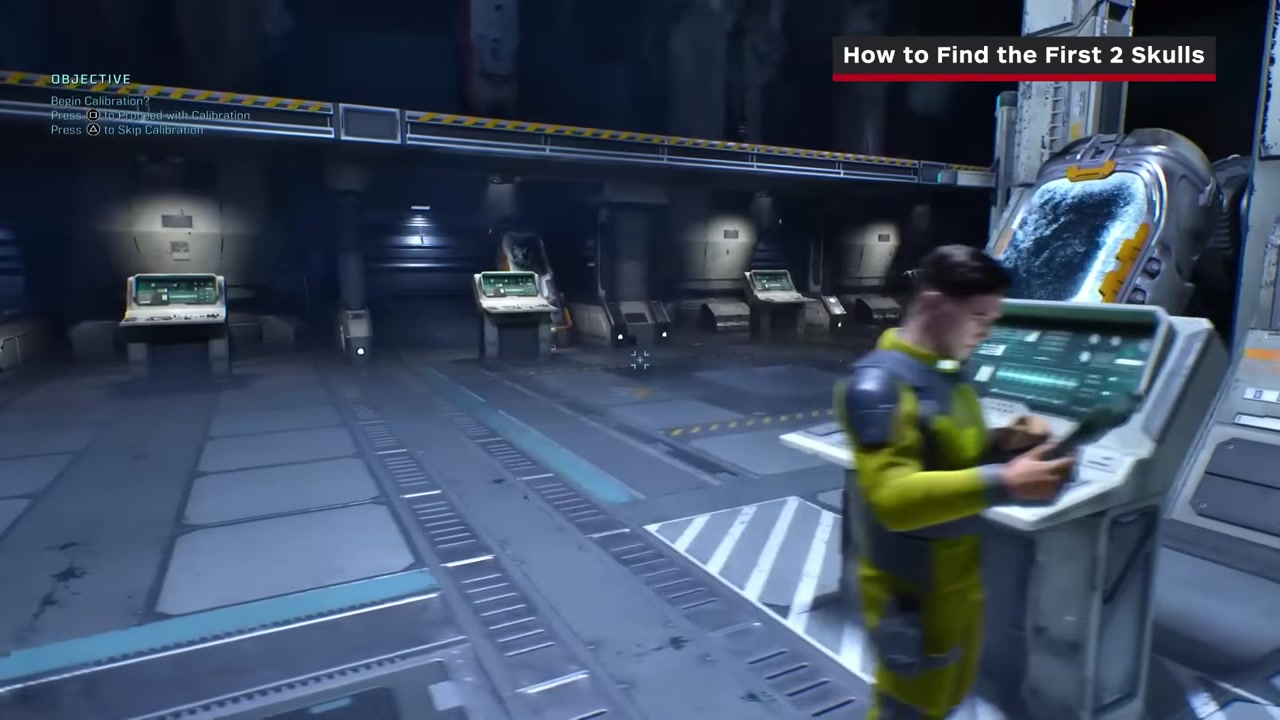
Speed Limit Skull
- Checkpoint
- Opening cryo room after calibration
- Landmark
- The crates at the back of the room and the catwalk above them.
Do this
- 1Finish the opening calibration sequence.
- 2Climb the crates at the back of the cryo room.
- 3Step onto the overhead catwalk and collect Speed Limit.
Confirmation
The Speed Limit collectible notification appears.
Target
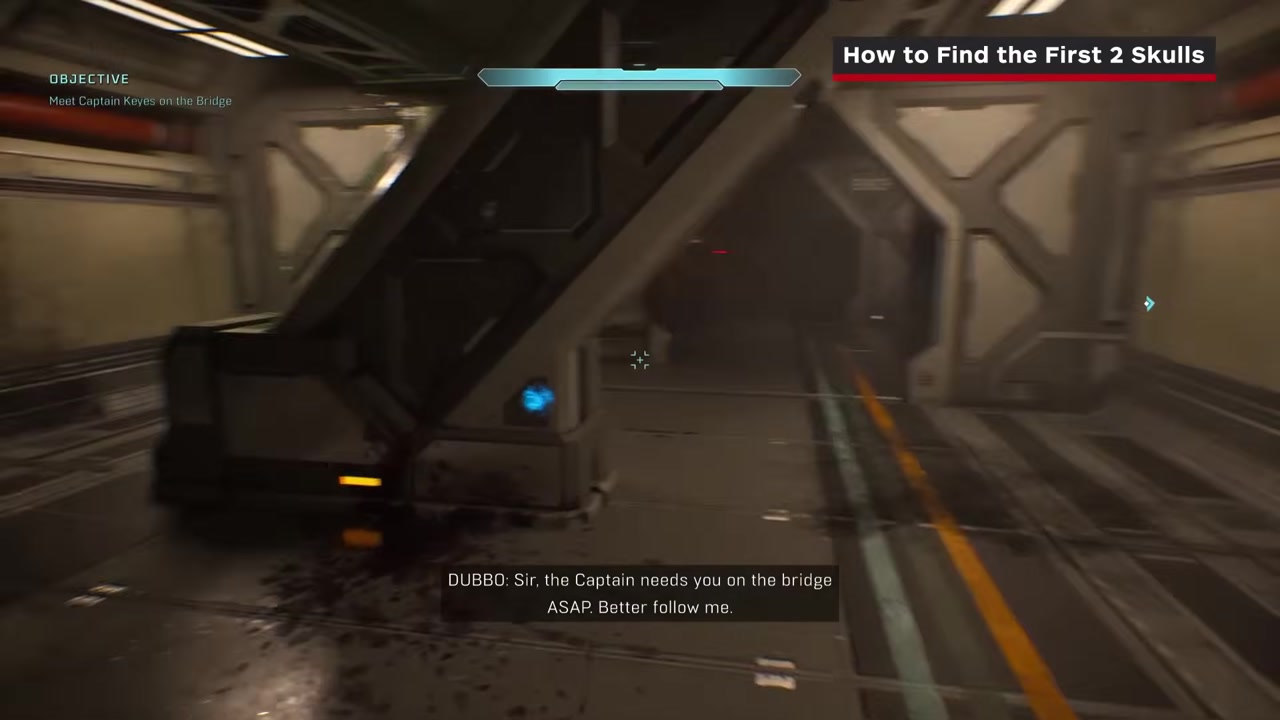
Magnified Skull
- Checkpoint
- Weaponless hallway route toward the bridge
- Landmark
- A room with a line of racks in the center.
Do this
- 1Continue toward the bridge after the Covenant attack begins.
- 2Enter the room containing the central rack line.
- 3Climb or jump onto the middle row and collect Magnified from the top.
Confirmation
The Magnified collectible notification appears.
Target
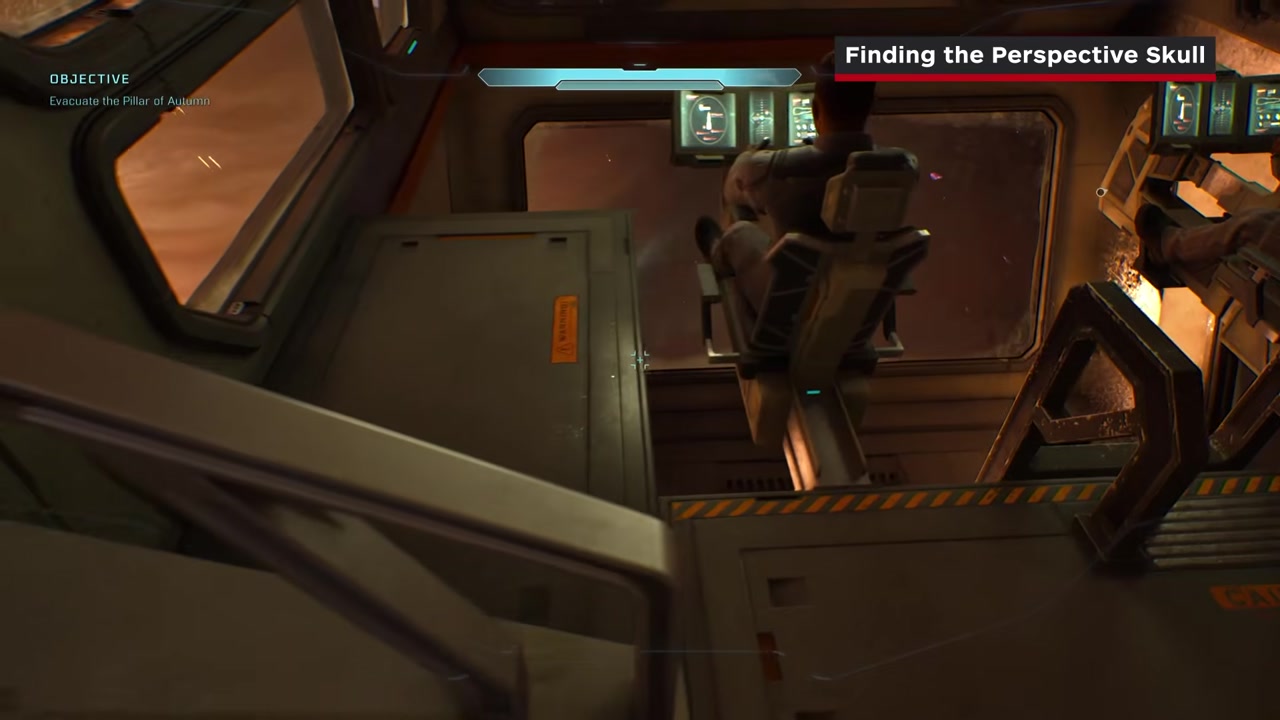
Perspective Skull
- Checkpoint
- Bridge, immediately after Captain Keyes gives you Cortana
- Landmark
- The lower cockpit level beneath the two forward pilot stations.
Do this
- 1Continue through the mission until the bridge scene with Captain Keyes finishes.
- 2Turn back toward the front of the bridge and walk behind the two pilot stations.
- 3Drop into the recessed cockpit pit, move beside its ladder, and collect Perspective.
Confirmation
The Perspective collectible notification appears; you now have three hidden Skulls in this route.
Target
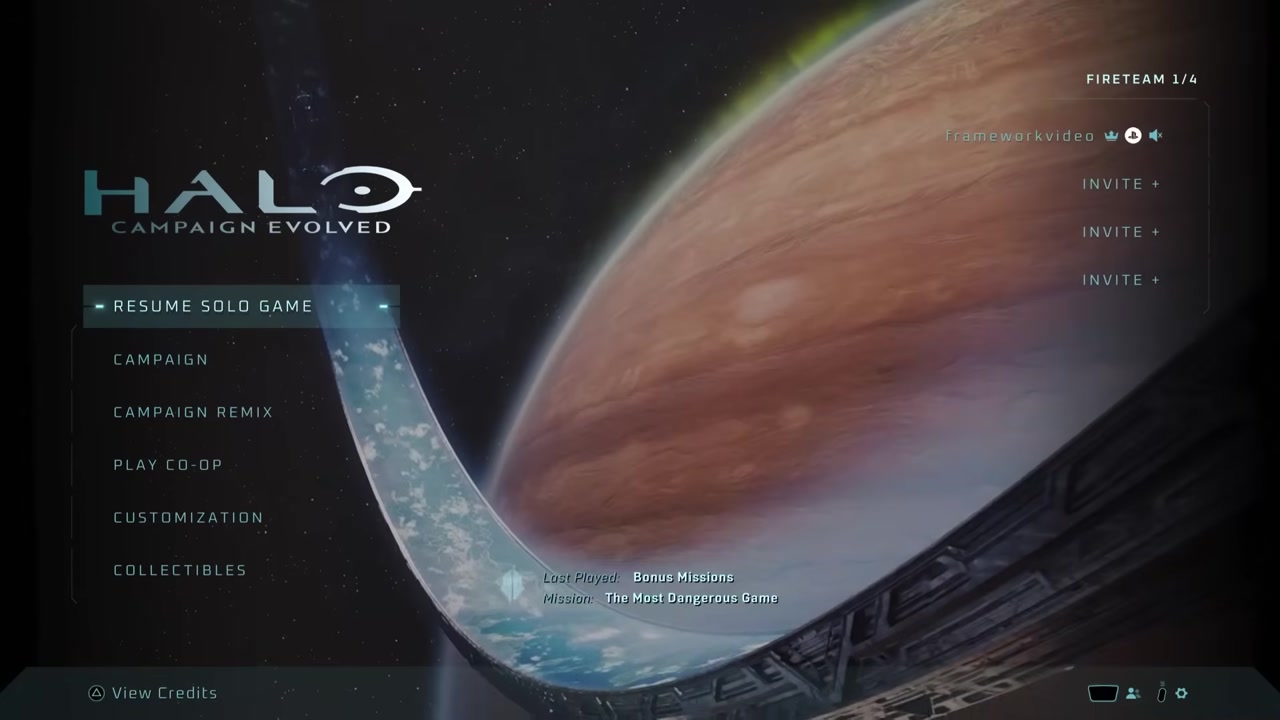
Open the mode
- Checkpoint
- Main menu after collecting all three Skulls
- Landmark
- The newly available Campaign Remix option.
Do this
- 1Return to the main menu after all three collectible notifications have registered.
- 2Select Campaign Remix.
- 3Choose a main-campaign chapter to configure.
Confirmation
The pre-mission Skull menu opens for Campaign Remix.
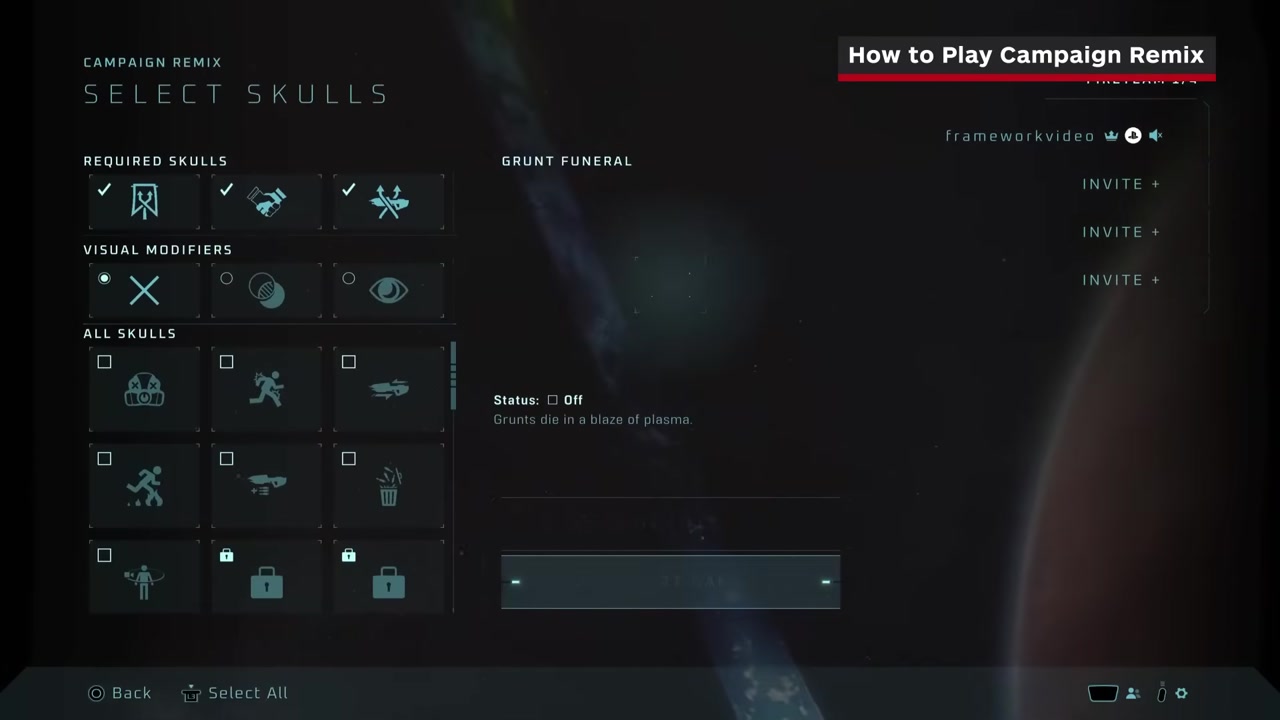
Target
Verify the three randomizer rules
- Checkpoint
- Pre-mission Skull menu
- Landmark
- Adaptation, Armistice, and Reload shown as active.
Do this
- 1Confirm Adaptation is active to randomize enemy squads.
- 2Confirm Reload is active to randomize placed weapons.
- 3Confirm Armistice is active so randomized enemy factions do not fight each other.
Confirmation
All three mandatory Remix Skulls are active before launch.
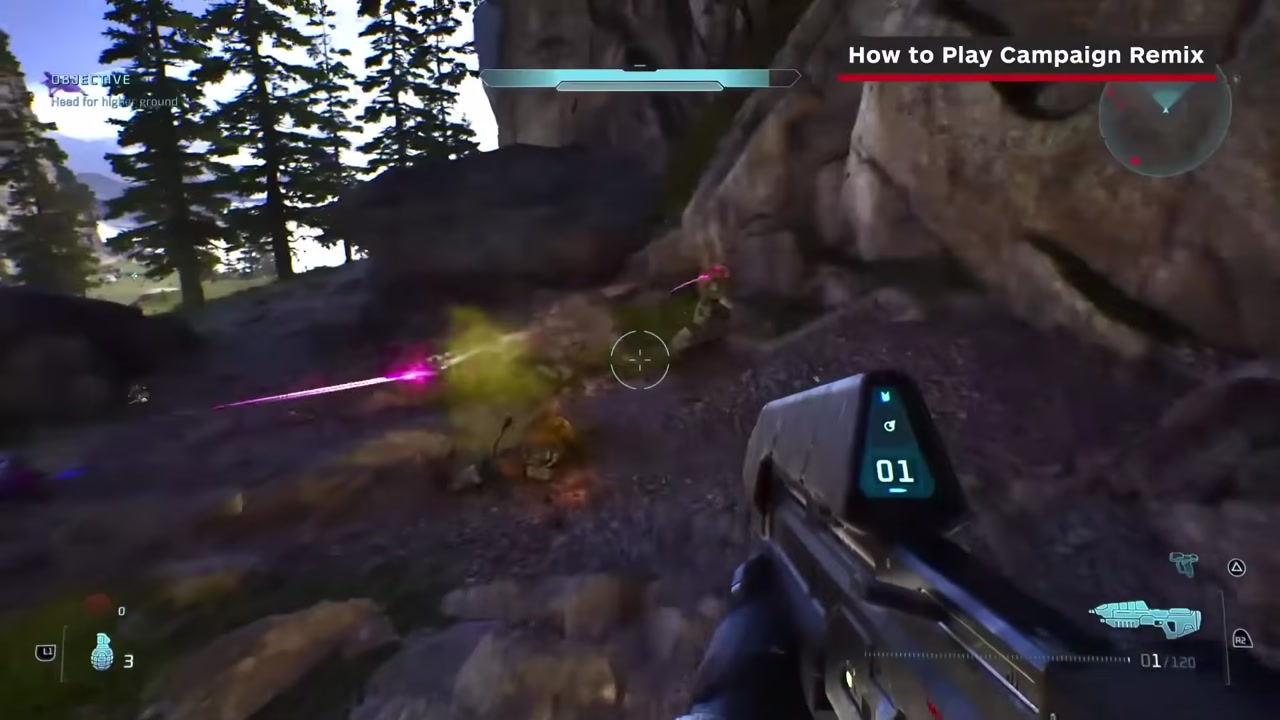
Target
Launch a randomized mission
- Checkpoint
- Final mission setup
- Landmark
- The control hint for randomizing active Skulls.
Do this
- 1Enable any additional collected Skulls you want in the run.
- 2Use the shown randomize control—right-stick click on the cited controller layout—if you want the game to choose from your collection.
- 3Start the mission and treat every encounter as unknown; even early rooms can contain Hunters.
Confirmation
Enemy squads and ground weapons differ from the normal campaign layout.