
Guide briefing
Easy LASO Method and Mythic Progress Loop
Build a strong personal-modifier preset, complete one LASO mission, save and exit at the next level, then disable the preset and trigger a Pillar of Autumn checkpoint so progress registers. Repeat the loop for all 13 missions while the method remains unpatched.
Before you start
- — Unlock all Skulls so the LASO playlist appears.
- — This method relies on behavior described as a glitch and may stop working after a patch.

Target
Open personal modifiers
- Checkpoint
- Main menu
- Landmark
- Campaign > New Game > Difficulty screen.
Do this
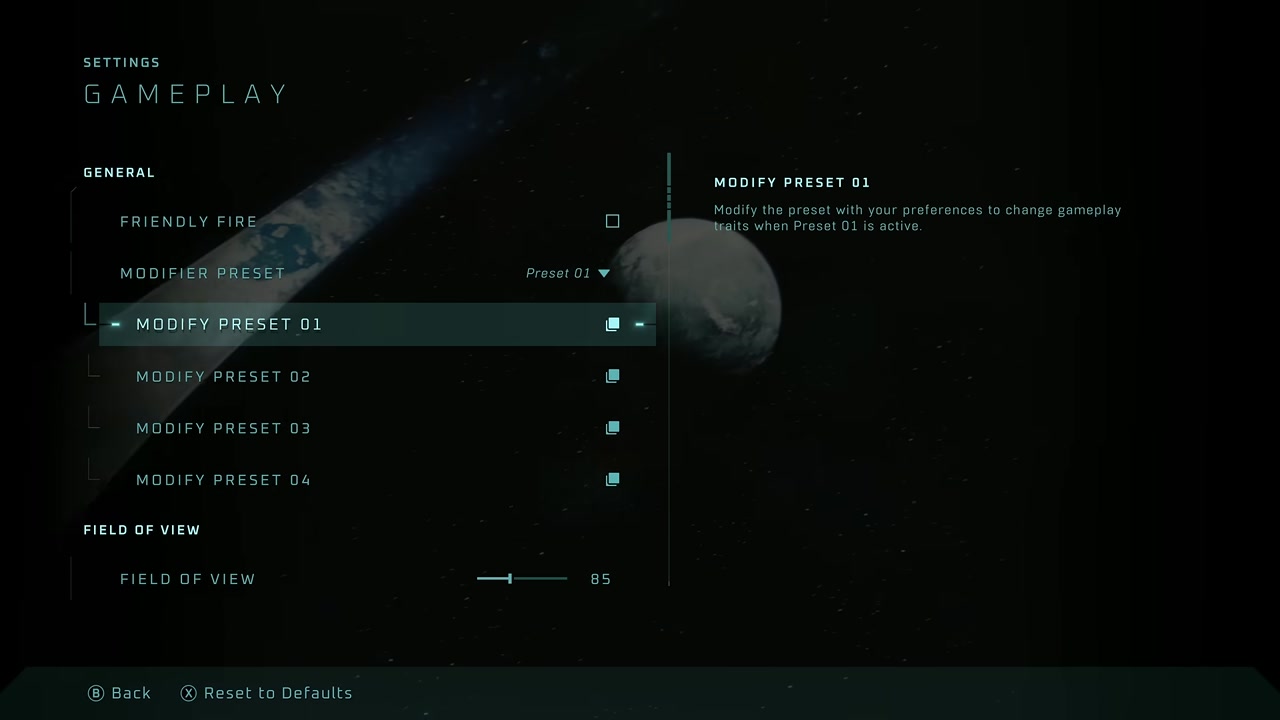
- 1Choose Campaign, then New Game.
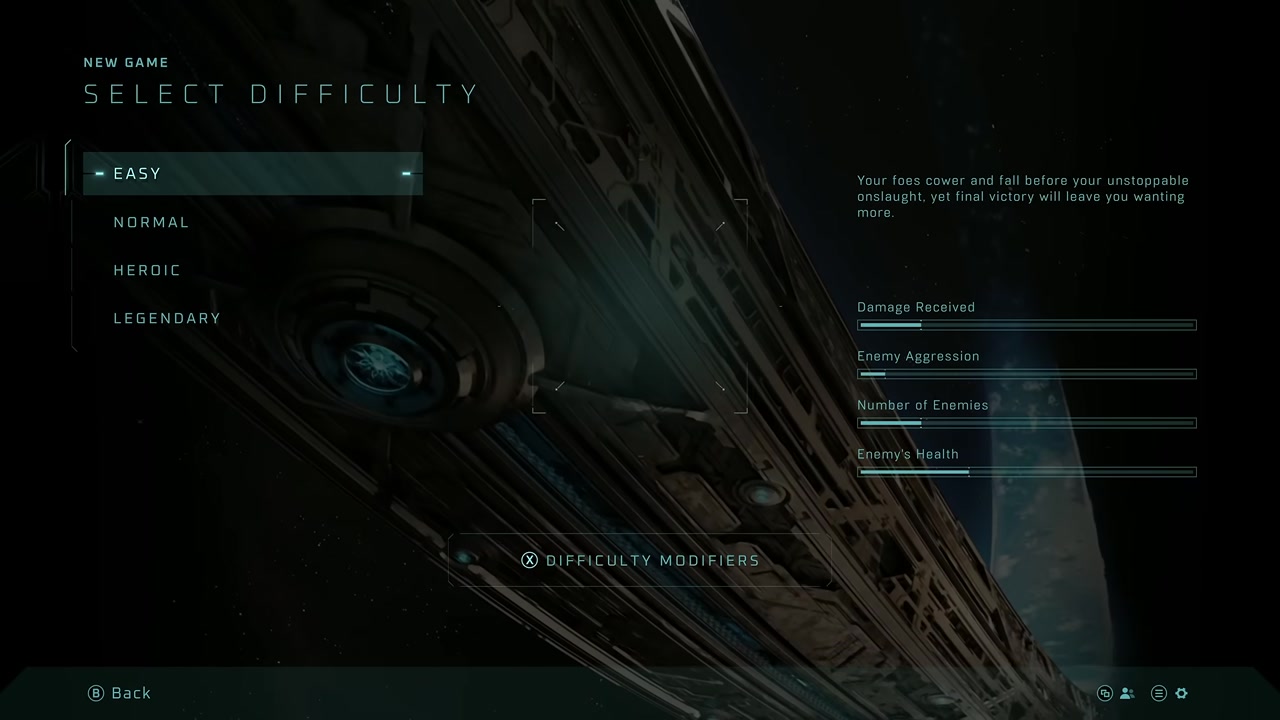
- 2On the difficulty screen, open Damage Modifiers using the control shown by the game.
- 3Select Preset 1 as the preset you will edit.
Confirmation
Preset 1 is open with individual damage and ammo values visible.
Target
Configure Preset 1
- Checkpoint
- Damage Modifiers
- Landmark
- The numeric modifier fields and ammo option.
Do this
- 1Set Damage Resistance to 2000%.
- 2Set Shield Recharge Rate to 200%.
- 3Set Damage Modifier and Melee Damage Modifier to 300%.
- 4Set Ammo to Bottomless Clip.
- 5Back out and select Preset 1 as the active modifier preset.
Confirmation
Preset 1 remains selected when you return to mission setup.
Target
Start the mission with the preset
- Checkpoint
- Play LASO menu
- Landmark
- The LASO mission list.
Do this
- 1Select Play LASO.
- 2Choose the mission whose LASO credit you want.
- 3Start it without changing Preset 1.
Confirmation
The mission begins with LASO Skulls plus the personal modifier benefits.

Target
Complete the level
- Checkpoint
- Normal mission gameplay
- Landmark
- Any safe enemy suitable for a finishing melee.
Do this
- 1Use the boosted resistance and damage to move through the mission normally.
- 2Melee an enemy whenever shields need to begin recharging; Black Eye prevents ordinary passive recharge.
- 3Do not rely on the HUD because Malfunction can hide health or other elements.
- 4If you die, continue from the available checkpoint and expect checkpoints to be sparse because Iron is active.
Confirmation
The level-complete transition loads the next mission.

Target
Lock the completed run into the save
- Checkpoint
- Immediately after the next level loads
- Landmark
- Pause menu showing the active LASO Skulls.
Do this
- 1Pause as soon as the next mission becomes controllable.
- 2Confirm the LASO Skull set is active.
- 3Choose Save and Exit.
Confirmation
You return to the main menu with the LASO save updated.

Target
Force achievement progress to register
- Checkpoint
- New Game difficulty screen
- Landmark
- Modifier preset set to None and Rally Point Alpha available.
Do this
- 1Open Campaign > New Game and change the personal modifier preset to None.
- 2Back out twice, choose Play LASO, and select The Pillar of Autumn.
- 3Start Rally Point Alpha.
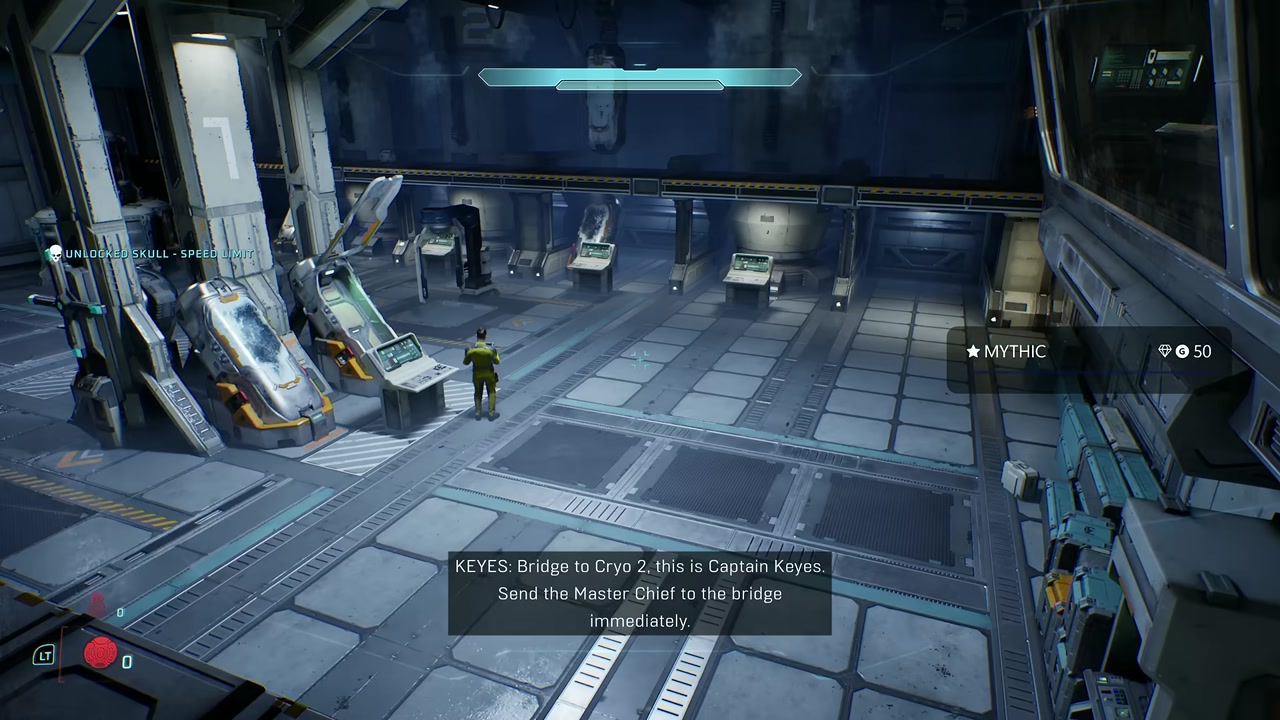
- 4Collect the Skull in the first spawn room to force a checkpoint.
Confirmation
The pinned Mythic achievement or trophy tracker increases for the mission you just completed.
Target
Repeat the progress loop
- Checkpoint
- After each registered mission
- Landmark
- Mission-by-mission Mythic progress.
Do this
- 1Re-enable Preset 1 before starting the next mission you need.
- 2Complete that mission, save and exit after the following level loads, then switch the preset back to None.
- 3Run Pillar of Autumn Rally Point Alpha, collect the opening Skull, and verify the tracker again.
- 4Repeat for all ten main missions and three bonus missions.
Confirmation
Mythic unlocks after all 13 mission credits are registered.