
Quick answer
For cutscene stutter, use a 60, 120, or 240 Hz refresh rate. In Two Betrayals, keep the first Banshee alive. For launch crashes, start the game through Steam and update affected BIOS or graphics drivers.
Guide briefing
Halo Campaign Evolved Known Issues & Fixes: Crashes, Stutter, Co-op
For cutscene stutter, use a 60, 120, or 240 Hz refresh rate. In Two Betrayals, keep the first Banshee alive. For launch crashes, start the game through Steam and update affected BIOS or graphics drivers.
Applies to
- — Halo Campaign Evolved players experiencing cutscene stutter or co-op sync delays
- — Players stuck in 'Two Betrayals' after destroying the first Banshee
- — Users encountering crashes during launch or early gameplay on specific hardware
- — RTX 50 series owners with driver-related instability or visual bugs
Cinematic playback and co-op synchronization issues
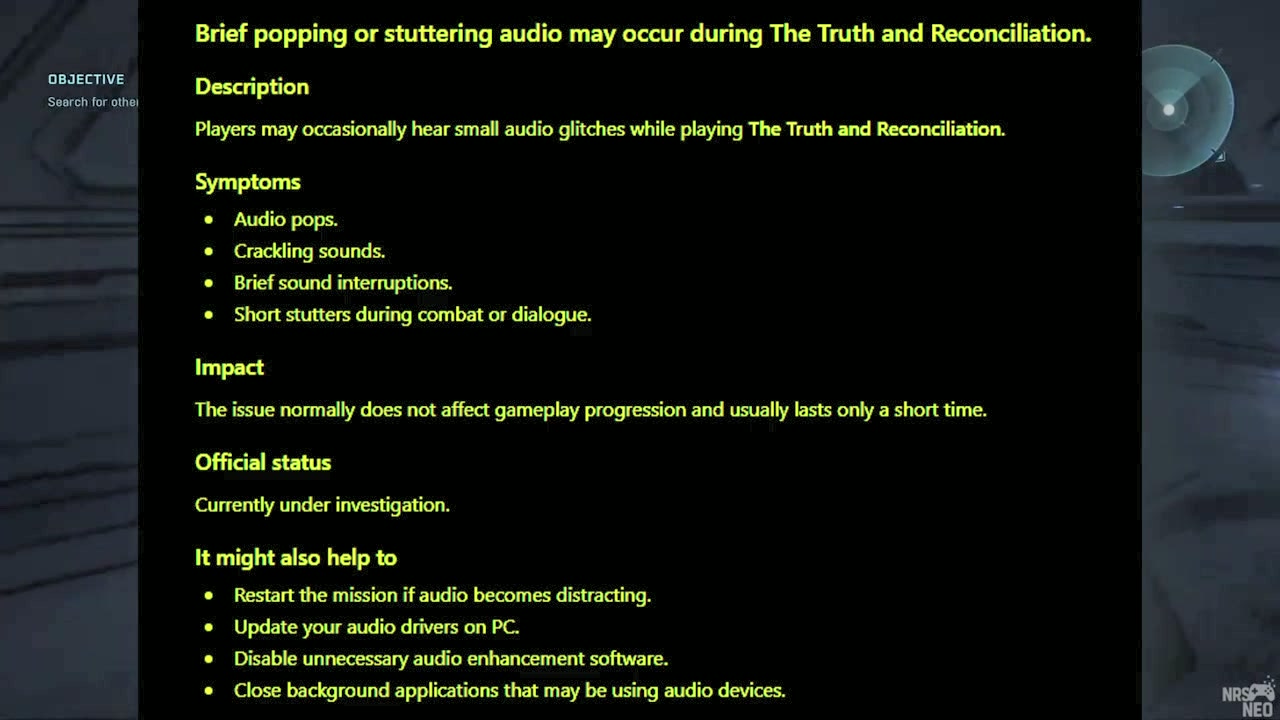
Halo Campaign Evolved exhibits specific visual and audio glitches during cutscenes and co-op gameplay, primarily tied to display timing and multi-player state coordination. These are documented known issues that affect the experience but have partial or no immediate fixes available.
How it works
- Cinematic stutter occurs when the display refresh rate is not a clean multiple of 30 Hz (e.g., 60, 120, or 240 Hz), causing frame pacing disruptions during cutscene playback.
- Co-op navigation markers remain static until every team member has physically passed the marker location, enforcing strict synchronization across all players.
Source boundary: No direct in-game workaround exists for the mid-cutscene pause/sync glitch; variable refresh rate features may exacerbate cinematic stutter, and co-op marker behavior cannot be bypassed without altering team movement patterns.
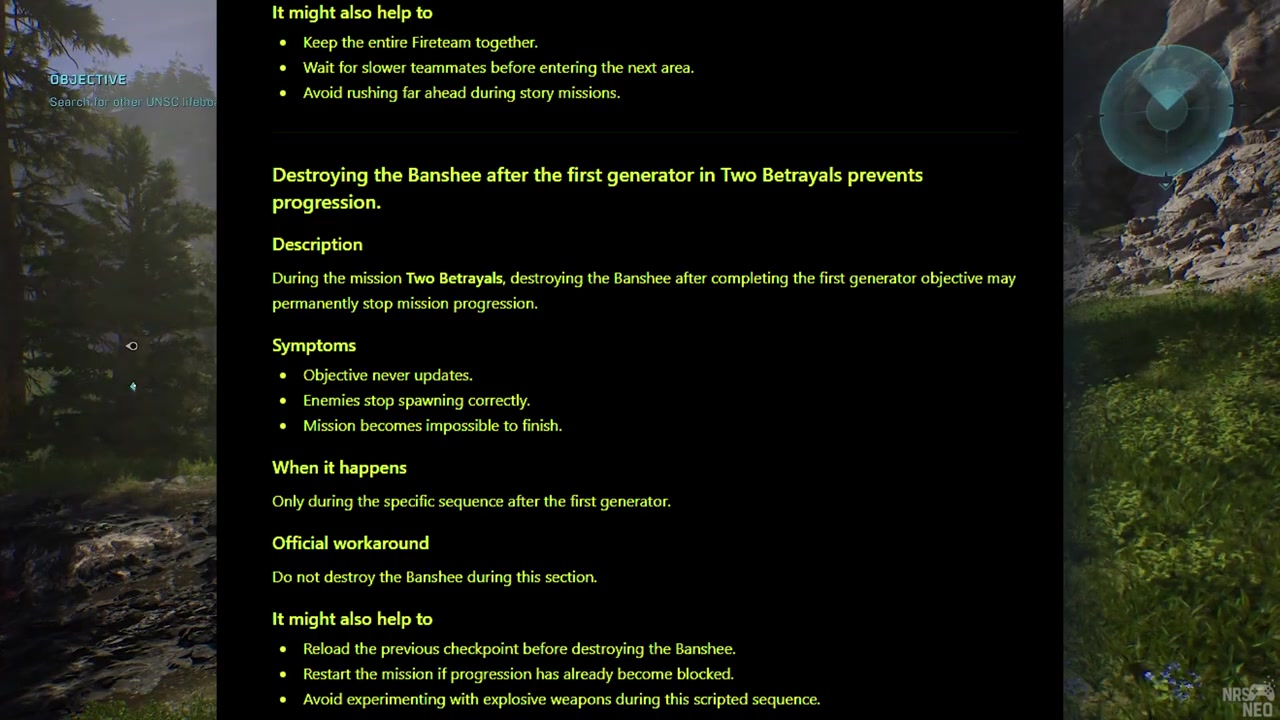
Mission Progression Blocker in 'Two Betrayals'
In the Halo Campaign Evolved level 'Two Betrayals', destroying the first Banshee after hitting the initial generator can prevent mission progression. Preserve it as the current workaround.
How it works
- Destroying the first Banshee after the generator is hit halts mission advancement entirely.
- The level's two skulls require access to a Banshee to reach, making its survival critical for completion.
Source boundary: A second Banshee may spawn later on the bridge as a backup, but this is unreliable; players should not depend on it.
Launch method and hardware-specific crash issues in Halo Campaign Evolved
Halo Campaign Evolved exhibits several known stability problems tied to improper launch procedures and specific hardware configurations. Launching directly from the Steam folder via the XE file bypasses Steam's integration layer, leading to authentication failures, performance degradation, or complete freezes. Additionally, Intel 13th/14th gen CPUs may crash before the splash screen due to outdated microcode, while AMD GPUs with specific drivers can experience crashes during the intro cinematic when FSR is active or under certain Vsync/refresh rate combinations.
How it works
- Launching the game through Steam's library interface ensures proper Steam API initialization, preventing sign-in loops and freezing.
- Updating the BIOS to the latest version resolves microcode-related crashes on Intel 13th/14th gen processors by applying vendor-corrected CPU behavior patches.
Source boundary: The BIOS update only addresses Intel microcode issues and does not resolve other crash causes. Driver rollbacks or upscaler switches (e.g., to DLSS/XeSS) are required for AMD-specific FSR crashes but may impact visual fidelity or performance. Vsync-related fixes require manual frame rate cap adjustments and do not work if the cap remains below the required threshold relative to refresh rate.
Known visual and stability issues in Halo Campaign Evolved
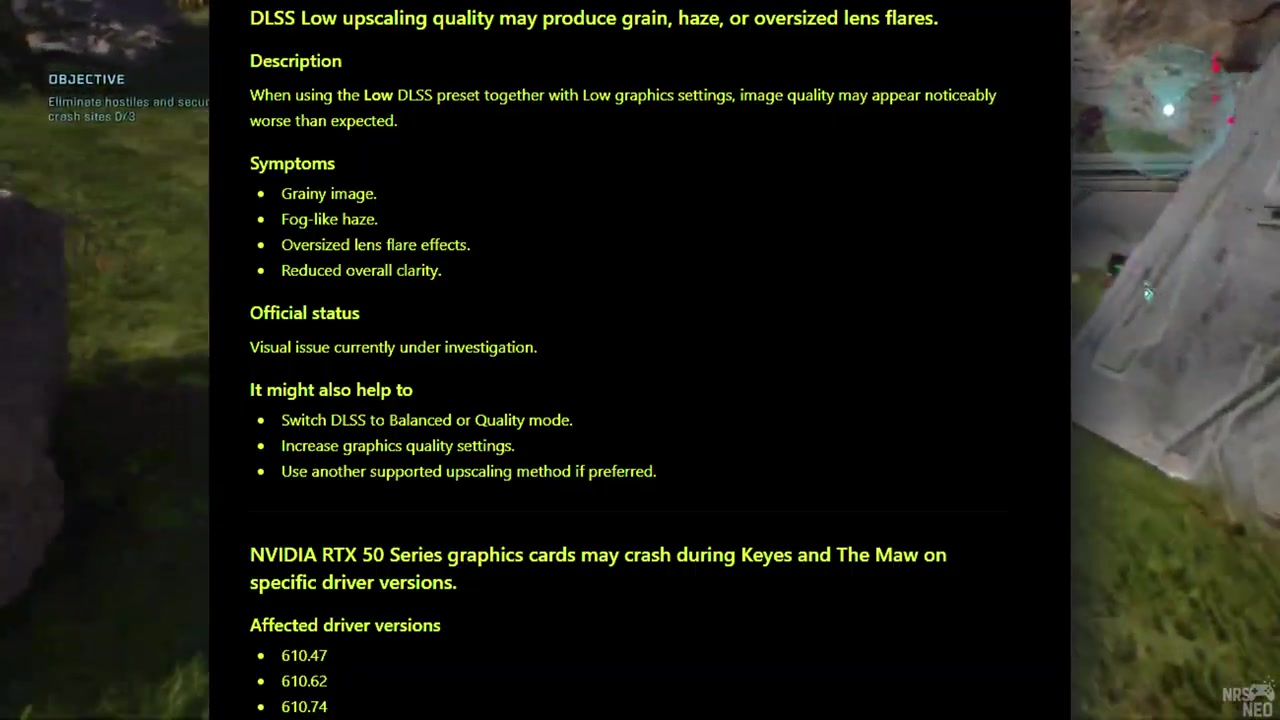
Halo Campaign Evolved exhibits several known issues at launch, primarily involving graphical artifacts under low settings, driver-specific crashes for RTX 50 series users, and conflicts between X ESS frame generation and in-game frame rate caps. These problems affect both visual fidelity and game stability.
How it works
- Low graphic settings can cause excessive grain, haze, or oversized lens flares due to a visual bug with no direct fix other than increasing settings.
- RTX 50 series owners experience crashes when running drivers 610.47, 610.62, or 610.74; the issue is resolved by updating to driver 610.88 or rolling back to 596.49.10.
Source boundary: No official patch has been confirmed for the visual bug or the X ESS/frame cap conflict yet. The two betrayals banshee lock is reported as a mission blocker but its resolution timeline remains unconfirmed. Driver-related fixes require external vendor updates from NVIDIA or AMD.