
Quick answer
Halo Campaign Evolved has no native macOS version; users must use CrossOver to run the Windows game via a Windows emulation environment. Key steps include purchasing CrossOver (with discount code Andy Tizer 15), creating a dedicated bottle, installing Steam, and configuring graphics to D3D Metal with DLSS and M Sync enabled.
Guide briefing
Halo Campaign Evolved Mac CrossOver setup
Halo Campaign Evolved has no native macOS version; users must use CrossOver to run the Windows game via a Windows emulation environment. Key steps include purchasing CrossOver (with discount code Andy Tizer 15), creating a dedicated bottle, installing Steam, and configuring graphics to D3D Metal with DLSS and M Sync enabled.
Applies to
- — Apple Silicon Mac users seeking to play Halo Campaign Evolved without a Windows machine or VM
- — Users who want to avoid virtualization for performance reasons
- — Players aiming to access single-player campaign content on macOS
Halo Campaign Evolved Mac CrossOver setup
Halo Campaign Evolved has no native macOS port. To run it on Apple Silicon Macs, users must use CrossOver—a Windows translation layer—to execute the Windows version of the game.
How it works
- CrossOver emulates a Windows environment on macOS, allowing the Windows executable of Halo Campaign Evolved to launch and operate.
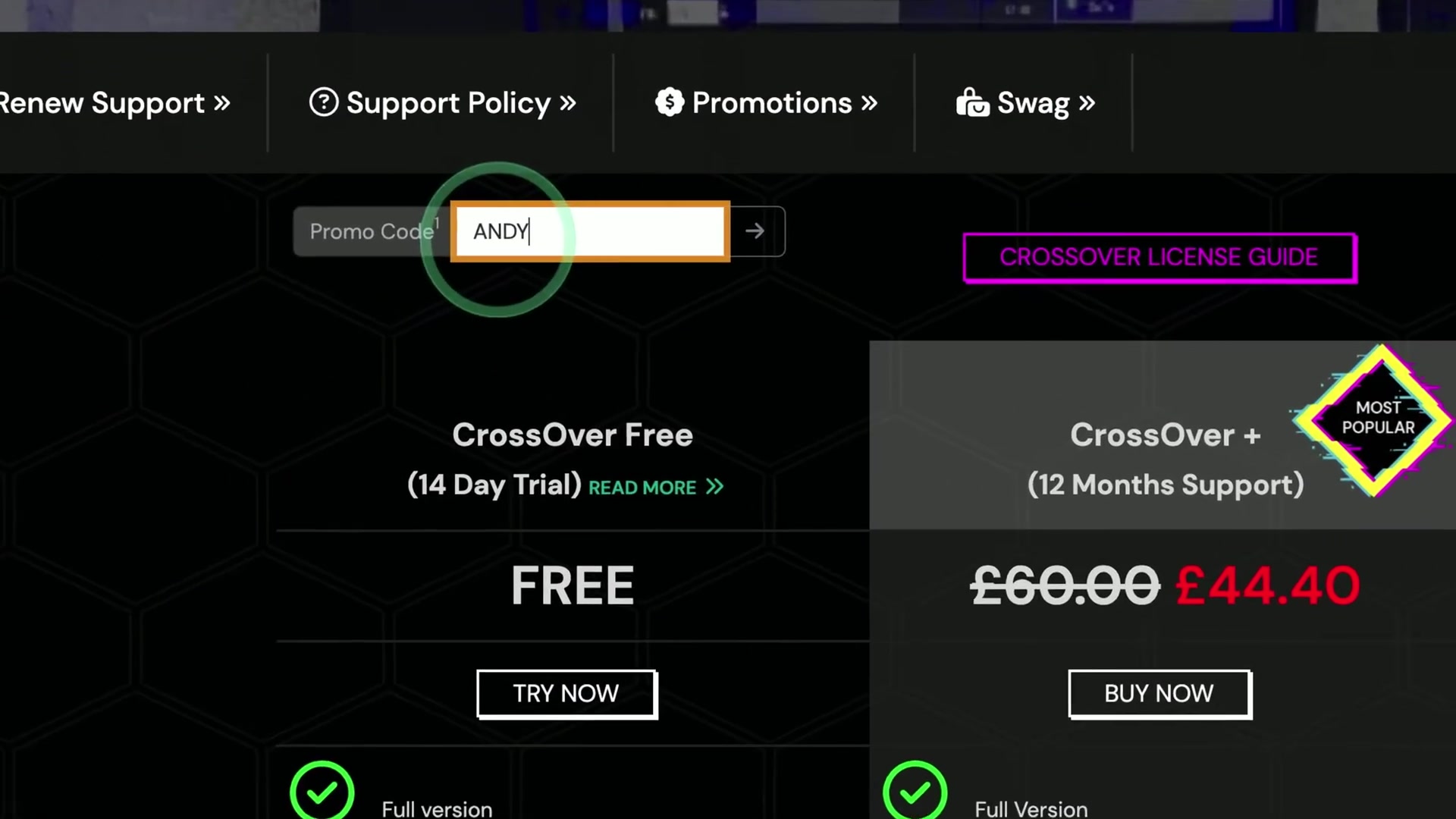
- Users must first acquire CrossOver via its official store, where a promotional discount code (Andy Tizer 15) grants 15% off.
Source boundary: The experience is semi-working: the game may crash due to stability issues, and cutscene videos display as black screens—likely caused by missing codec support.
Crossover-based Windows compatibility for Halo Campaign Evolved on macOS
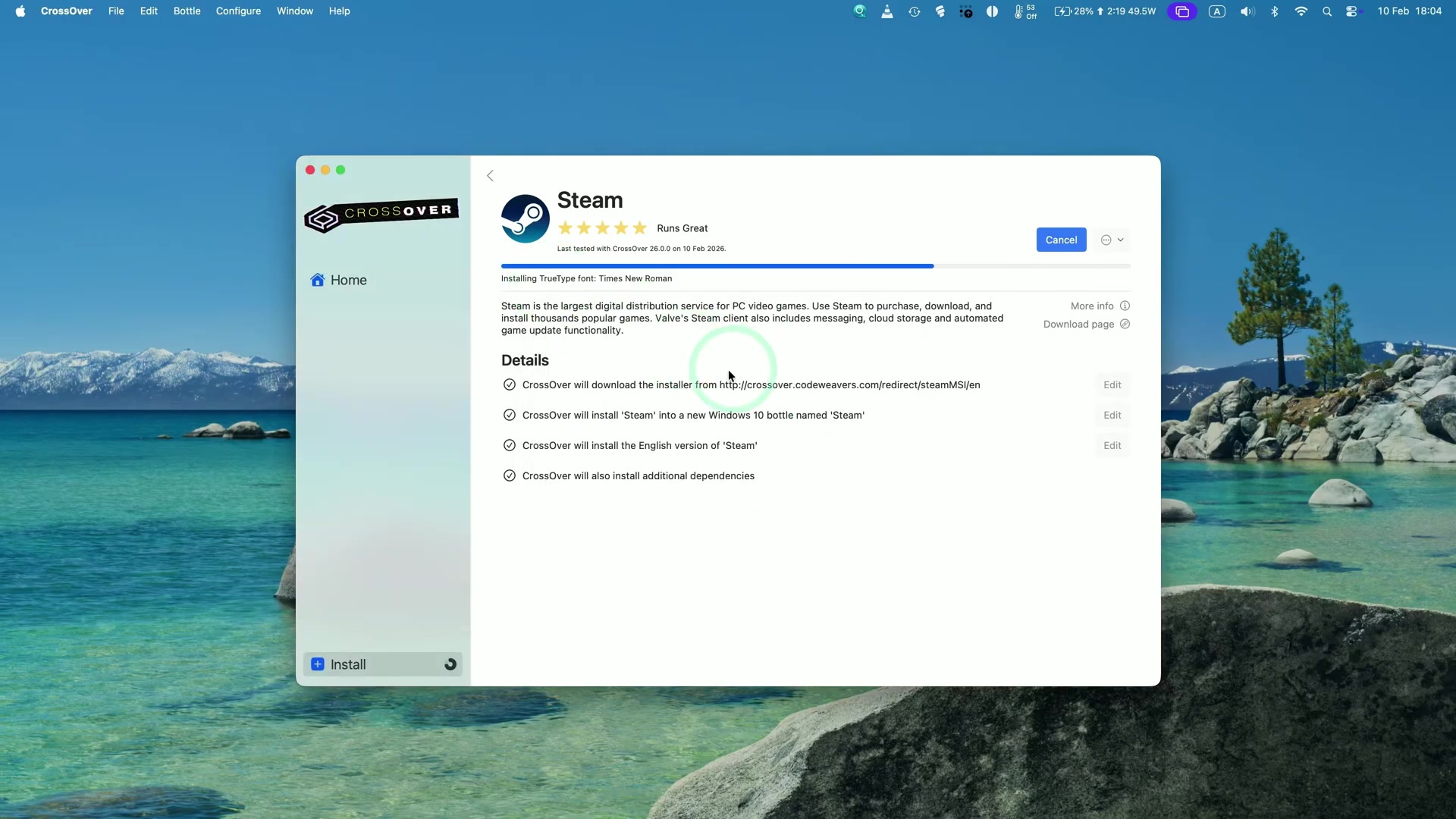
Crossover is a compatibility layer that enables running Windows applications, including Halo Campaign Evolved, on macOS by creating isolated environments called 'bottles'. These bottles contain the necessary Windows system files and dependencies required to execute Windows games without needing a full Windows OS.
How it works
- Crossover installs Steam via a dedicated bottle, which includes all required Windows components such as fonts and Visual C++ runtime libraries.
- The installation process automatically downloads and configures these dependencies in the background, with user confirmation needed for each prompt.
Source boundary: Crossover does not guarantee full game compatibility or performance parity with native Windows; some features may be unresponsive or require manual configuration beyond the initial setup steps described.
Mac CrossOver setup for Halo Campaign Evolved
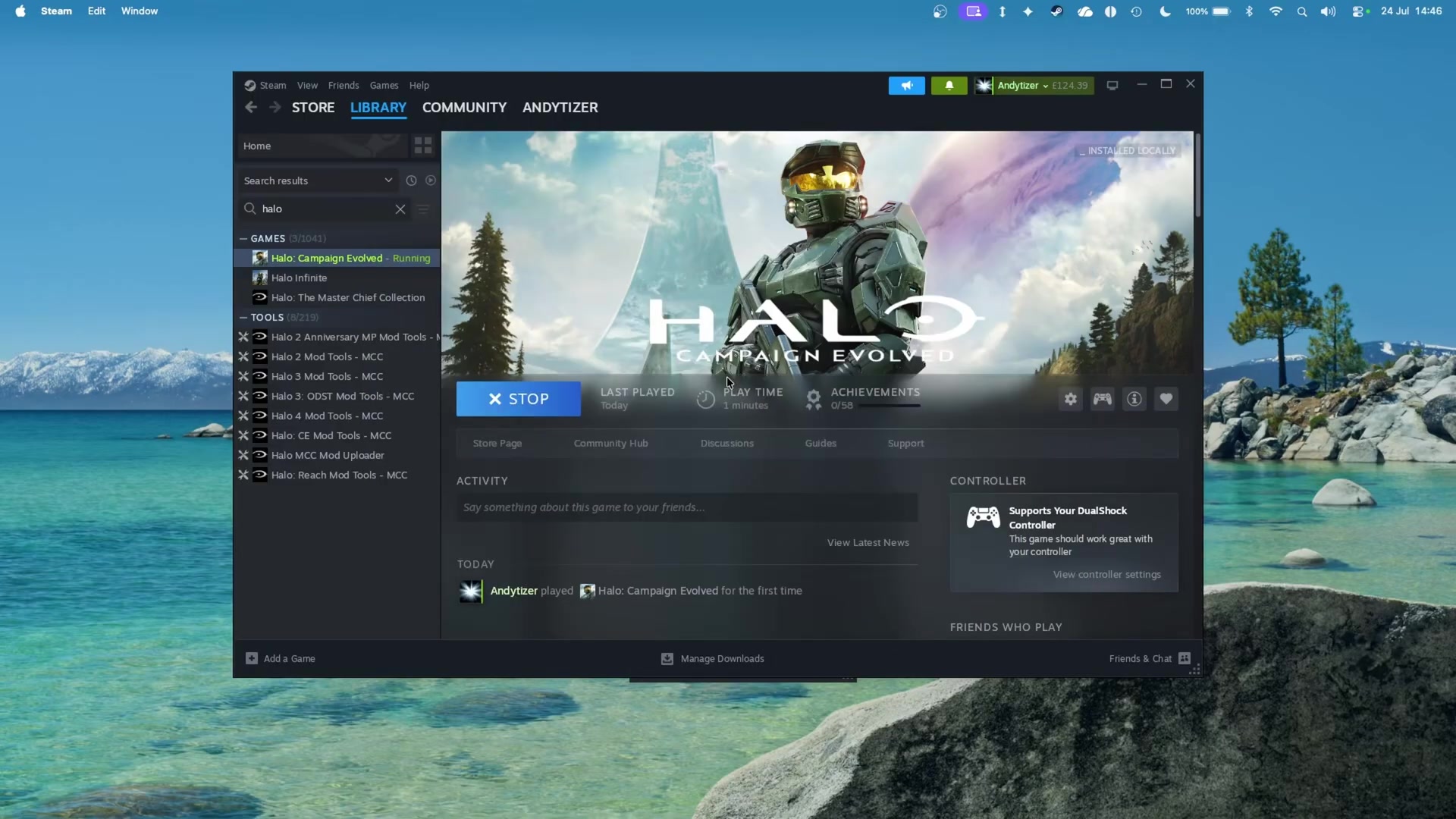
Halo Campaign Evolved is installed and run on macOS via CrossOver, which uses Wine as its backend to execute Windows applications. The setup involves downloading the Windows version of the game through Steam and launching it via CrossOver’s interface, where graphics and performance options are configured before gameplay.
How it works
- CrossOver automatically selects the best graphics option using Wine, but users are advised to manually choose D3D Metal by default for optimal compatibility.
- DLSS can be enabled in the settings, with Metal Effects upscaling optionally hooked into Nvidia-enabled DLSS games; M Sync is also available and recommended to improve performance.
Source boundary: If the game launches with a driver update prompt, users must address this manually—no automatic resolution is provided within the CrossOver interface.
Halo Campaign Evolved Mac CrossOver setup
This refers to running the Halo: Combat Evolved campaign on macOS using CrossOver, a compatibility layer that allows Windows applications to run on macOS without requiring a Windows license or virtual machine. The setup involves configuring graphics rendering and handling game-specific behaviors under macOS's Metal API.
How it works
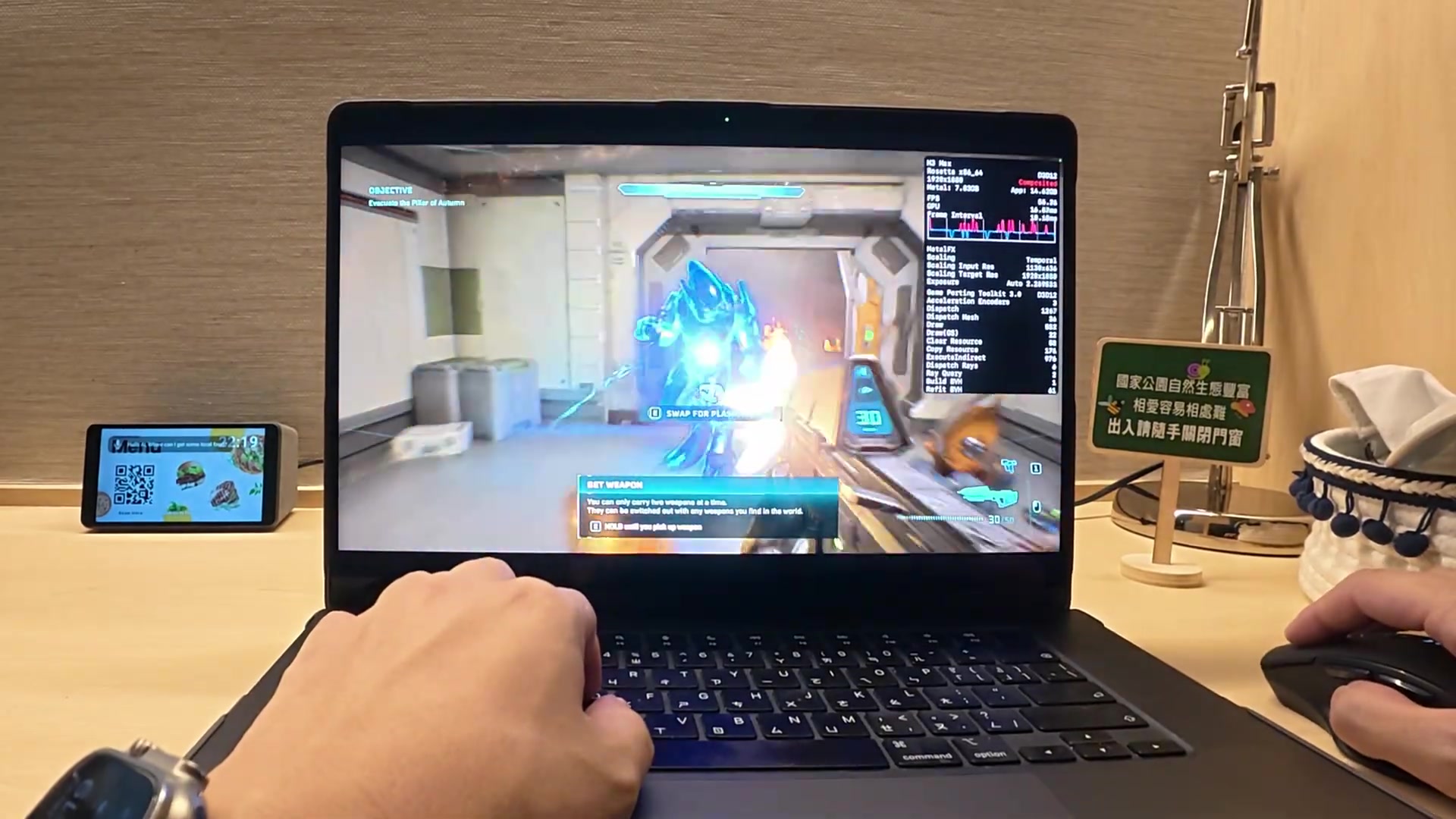
- Render resolution is set to 59% via the Metal hardware settings visible in the top right-hand side of the screen.
- Cutscene videos are currently not playing due to compatibility limitations, though gameplay and gunplay remain functional.
Source boundary: Cutscene videos do not play during gameplay; this prevents full narrative immersion and may break continuity. Additionally, stability issues such as crashes have been observed, and multiplayer functionality is explicitly discouraged at this stage.