
Quick answer
Complete the 'Reach the control center to disable the security system' mission by following the beach path, locating the hidden security structure, and activating the override sequence at the central console.
Guide briefing
Halo Campaign Evolved Plate Tectonics Achievement Guide
Complete the 'Reach the control center to disable the security system' mission by following the beach path, locating the hidden security structure, and activating the override sequence at the central console.
Applies to
- — Halo Campaign Evolved
- — Plate Tectonics achievement
- — Mission: Reach the control center to disable the security system
Target
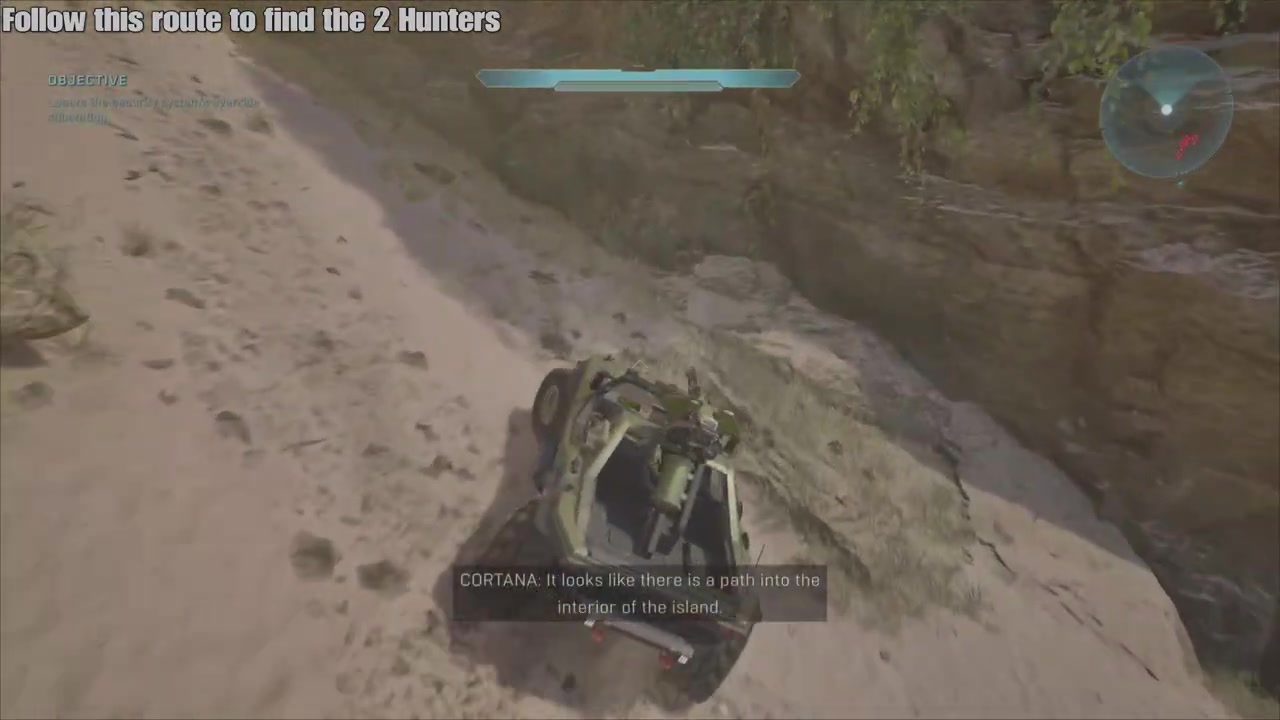
Disable the installation security system
- Checkpoint
- Inside the facility, near the control center entrance
- Landmark
- Beach path leading to interior of the island
Do this
- 1Follow the beach path as indicated by Cortana's navigation guidance.
- 2Locate and enter the interior of the island through the visible path.
Confirmation
Disable the installation security system is available as described. The mission objective is to reach the control center and disable the security system. The achievement requires completing this sequence without failing the mission.
Target
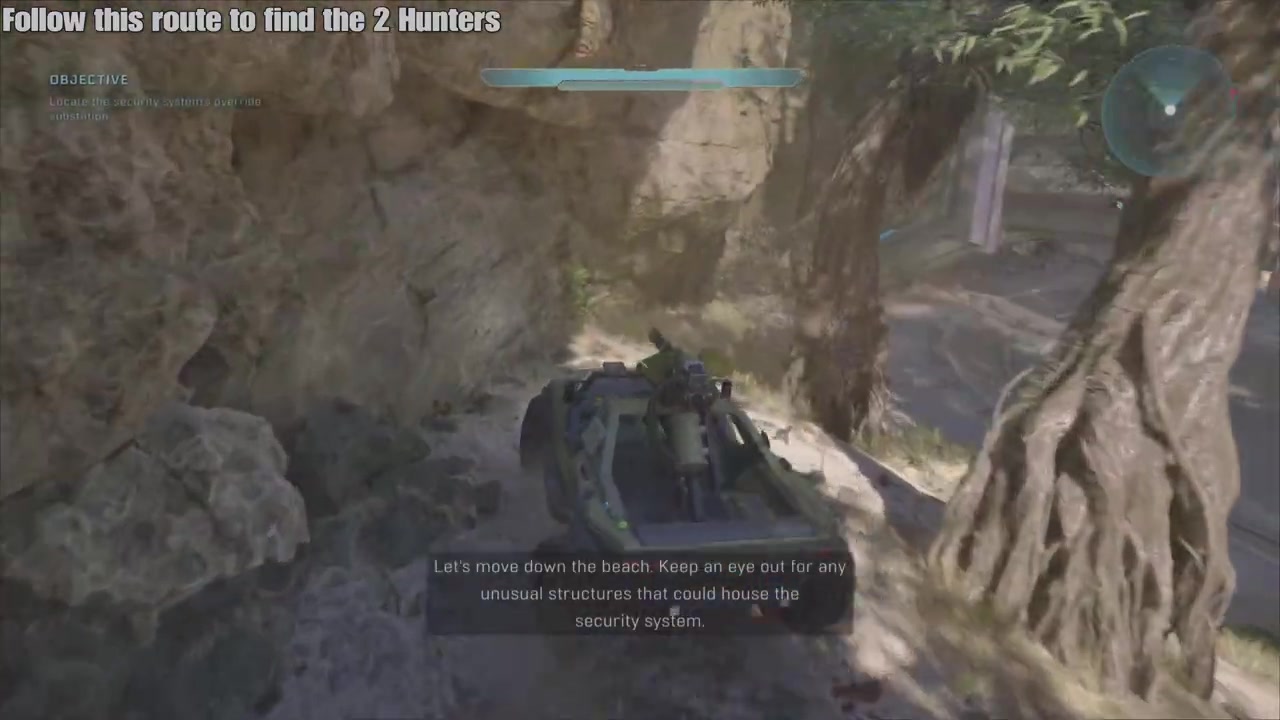
Locate the security system within the facility
- Checkpoint
- Near the entrance to the main facility area
- Landmark
- Unusual structures along the beach path
Do this
- 1Move down the beach while scanning for unusual structures that could house the security system.
- 2Enter the identified structure once located, following the path into the facility interior.
Confirmation
Locate the security system within the facility is available as described. The security system is housed in a structure not immediately obvious—look for architectural anomalies on the beach.
Target
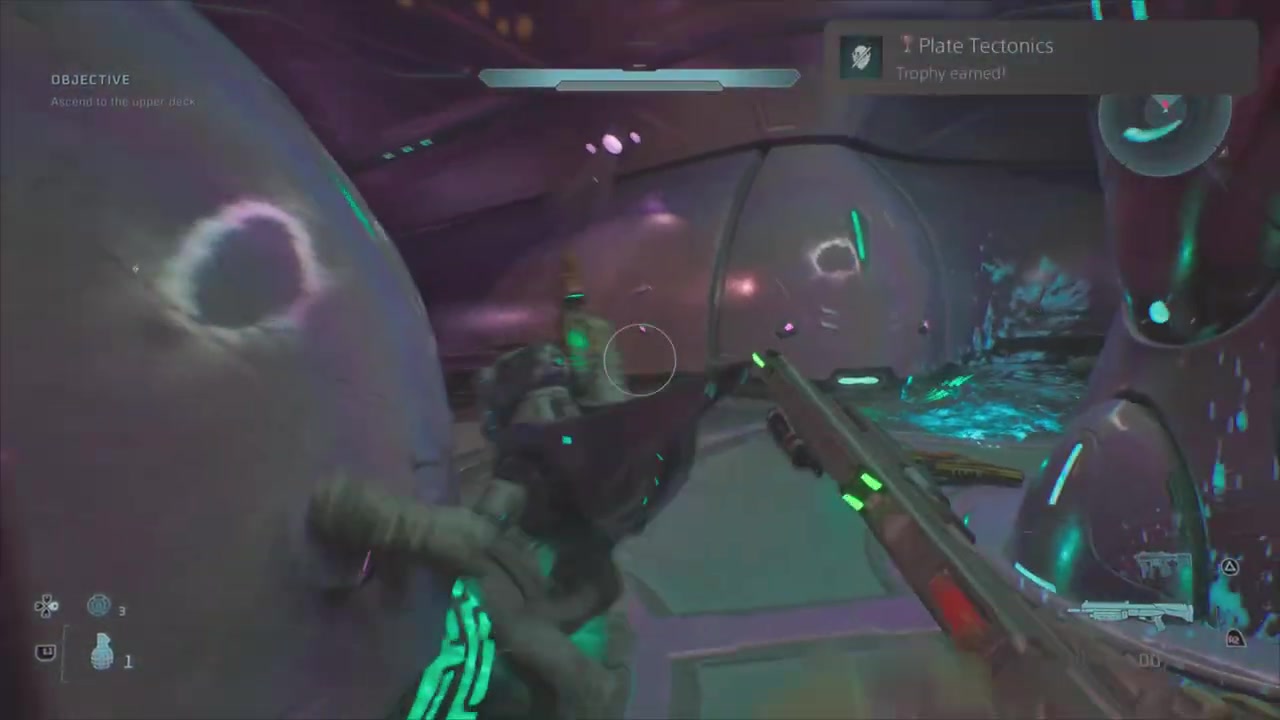
Activate the override sequence to disable the security system
- Checkpoint
- At the control panel inside the security system room
- Landmark
- Control center console with multiple access terminals
Do this
- 1Approach the central console in the control room.
- 2Interact with the terminal to initiate the disable sequence.
Confirmation
Activate the override sequence to disable the security system is available as described. The disable command must be executed after reaching the control center; this is the final step before unlocking the Plate Tectonics achievement.