
Quick answer
Halo Campaign Evolved on PS5 supports two-player local split-screen co-op with horizontal screen division only; requires linked Microsoft and PSN accounts, and performance mode is recommended for stability.
Guide briefing
Halo Campaign Evolved PS5 Split-Screen Co-op Setup Guide
Halo Campaign Evolved on PS5 supports two-player local split-screen co-op with horizontal screen division only; requires linked Microsoft and PSN accounts, and performance mode is recommended for stability.
Applies to
- — Players wanting to experience the Halo Campaign Evolved story together locally on one console
- — Families or friends playing without internet or additional hardware
- — Users seeking cooperative gameplay during key campaign missions like The Pillar of Autumn, Assault on the Control Room, or The Library
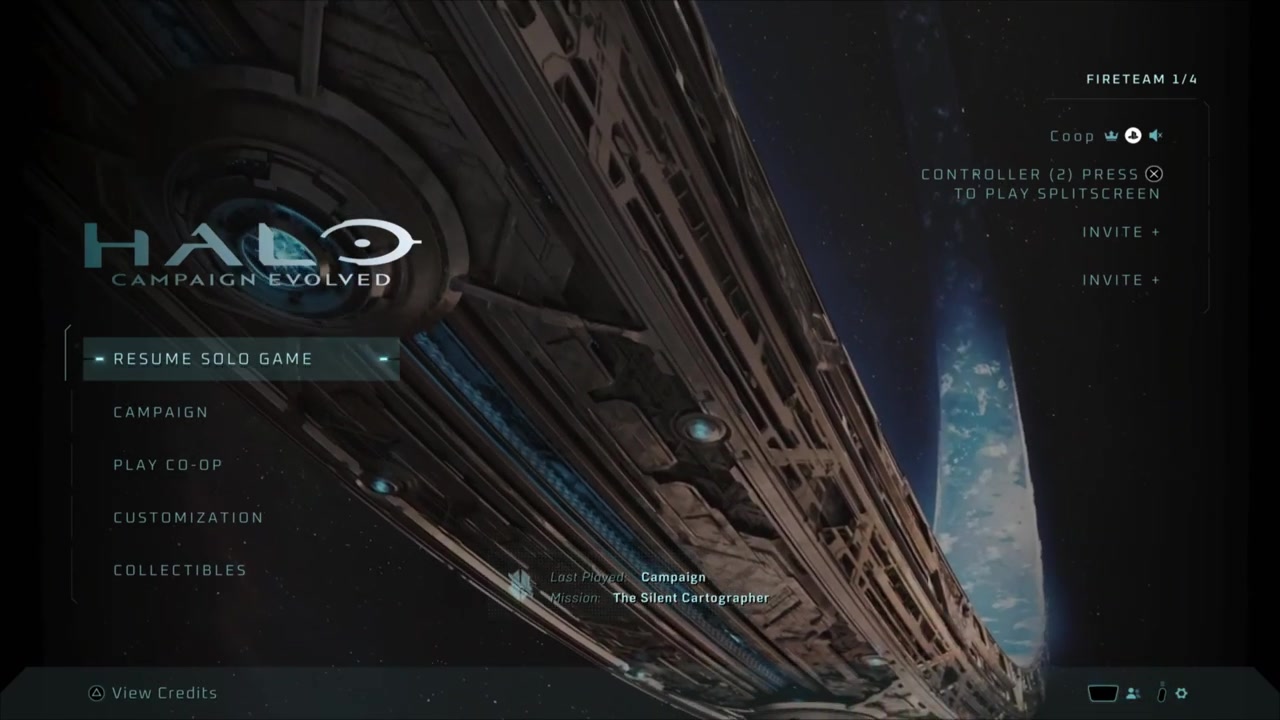
Local co-op split-screen functionality in Halo Campaign Evolved on PS5
Halo Campaign Evolved on PS5 supports local co-op via split-screen, allowing two players to play the campaign together on a single console. The feature is limited to horizontal screen division only and does not support vertical split.
How it works
- Players must have separate PSN profiles and link their Microsoft accounts in succession to enable co-op.
- The game offers two graphics modes—performance and quality—but only performance mode delivers a stable resolution when split-screen is active.
Source boundary: Split-screen is exclusively horizontal; no vertical option exists. Additionally, the system requires account linking between Microsoft and PSN profiles, which is described as a fiddly but one-time setup process.
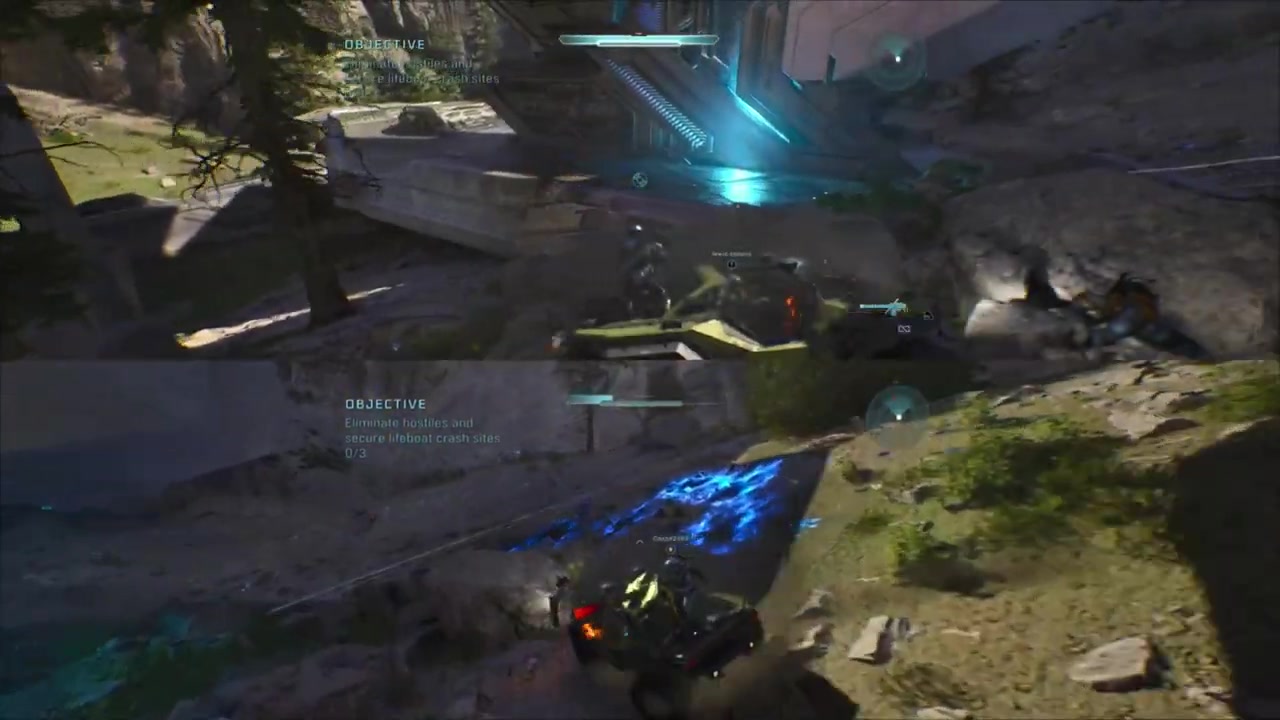
Split-screen local co-op performance in Halo Campaign Evolved on PS5
The game supports local split-screen co-op for two players on a single PS5 console, with performance characteristics influenced by the selected graphics mode and scene complexity. The developer prioritized visual fidelity over raw frame rate in certain scenarios, leading to occasional minor hitches during high-activity sequences.
How it works
- When playing in Quality mode, the game maintains higher graphical fidelity at the cost of some frame stability, especially during vehicle sections or when multiple enemies are on screen.
- The system dynamically allocates resources between the two player views; however, this can result in minor skips if both players are simultaneously engaged in graphically intensive areas.
Source boundary: The game does not support more than two players in split-screen on PS5, and no dynamic resolution scaling or frame-pacing adjustments are applied specifically for co-op sessions.
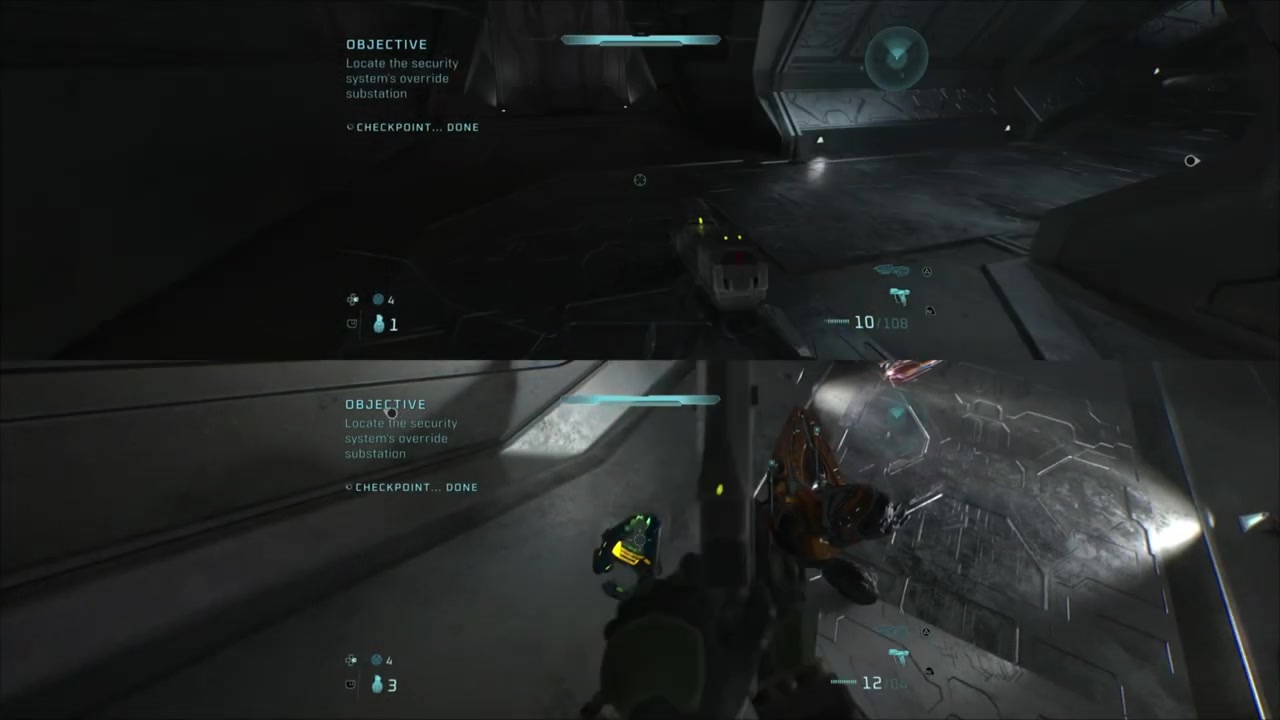
Split-screen local co-op in Halo Campaign Evolved on PS5
Halo Campaign Evolved supports local split-screen co-op for two players on one PS5. Each player controls a separate character while the display uses a horizontal split, with one view above the other.
How it works
- Players connect controllers to the PS5 and select 'Local Co-op' from the campaign menu; the game splits the screen horizontally, with one view above the other.
- When a player wanders too far from their assigned area, they are automatically repositioned back near the other player—this is referred to as 'tethering'.
Source boundary: Tethering may cause unexpected repositioning if a player moves too far from the other, especially in large open areas like those containing flyers. This could disrupt pacing or immersion during high-intensity sequences.
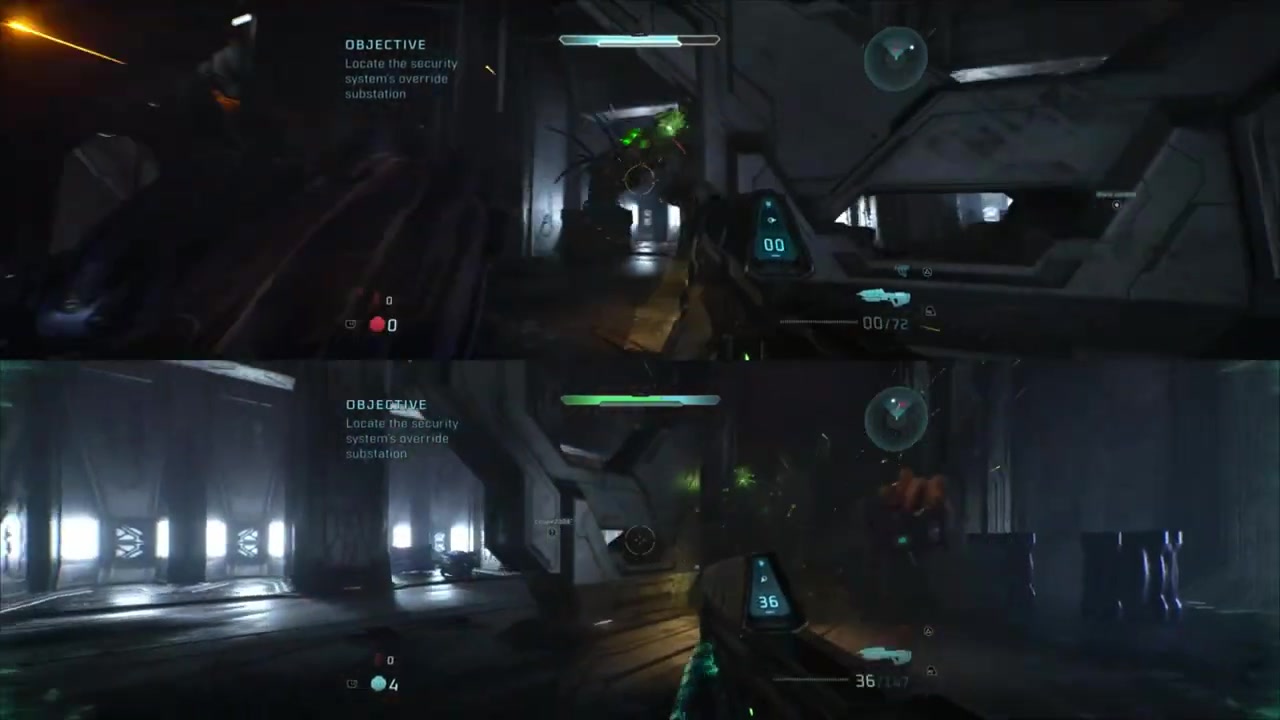
Halo Campaign Evolved PS5 split-screen local co-op
Halo Campaign Evolved on PS5 supports two-player local campaign co-op on one console. Each player uses a separate controller and profile while sharing the same campaign session.
How it works
- Players connect two controllers to the PS5 and select 'Local Co-op' from the campaign menu.
- Each player controls their own character with independent input, sharing the same game world and progression.
Source boundary: The feature is limited to two players only; no more than two controllers can be used simultaneously for local co-op in the campaign.
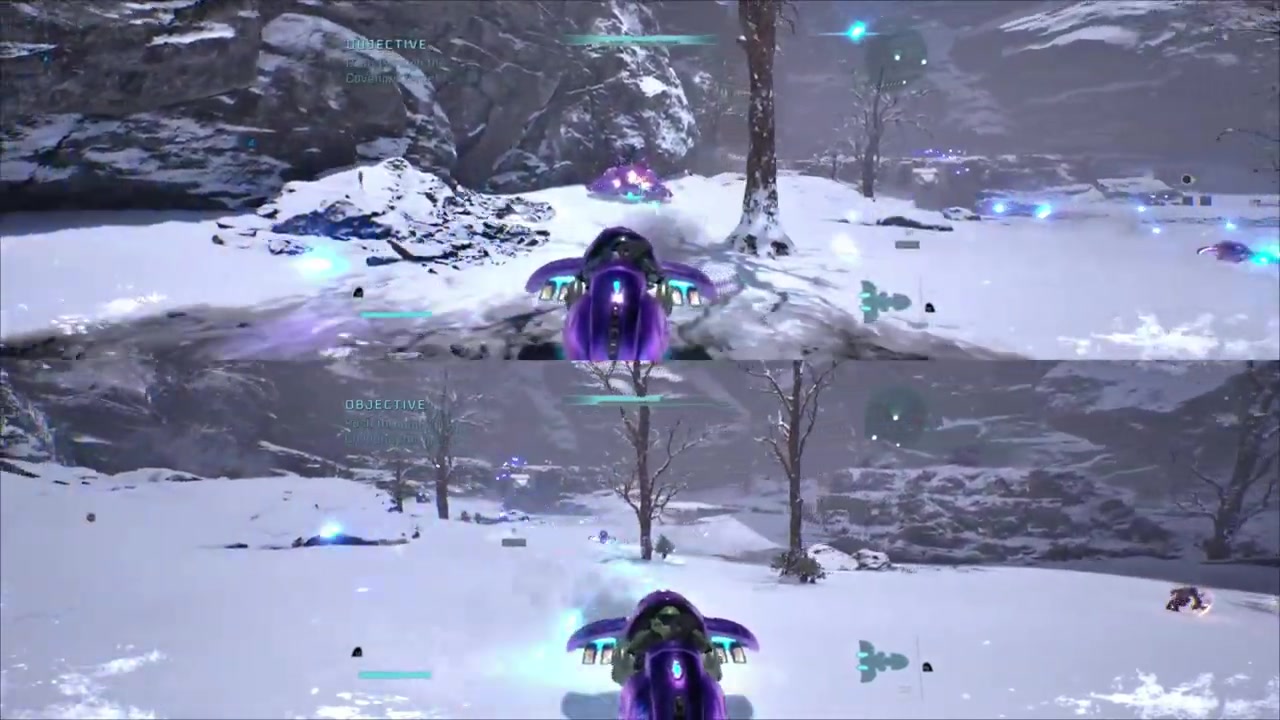
Halo Campaign Evolved PS5 split-screen local co-op performance
The PS5 version of Halo Campaign Evolved supports local co-op in split-screen mode, where two players share a single screen with each player occupying a distinct half. The game maintains visual fidelity and gameplay responsiveness during cooperative play, even under demanding scenarios such as vehicle combat or dense enemy encounters.
How it works
- Split-screen rendering divides the display horizontally, with one player above the other while both views share the same world state.
- The game preserves quality mode visuals during split-screen, avoiding significant texture degradation or frame rate drops—evidenced by no noticeable graininess on walls or corners despite dual-player load.
Source boundary: While current sections hold up well, the transcript notes that performance may change in later game content, implying potential scalability issues beyond early stages.

Local co-op functionality in Halo Campaign Evolved on PS5
Halo Campaign Evolved supports two-player local split-screen campaign co-op on PS5 using separate controllers and linked player profiles.
How it works
- Players connect their controllers to the PS5 and select 'Local Co-op' from the campaign menu.
- The game splits the screen horizontally, with one view above the other and each player controlling a character independently.
Source boundary: Only two players can participate in local co-op; no more than two are supported simultaneously. The feature does not extend to multiplayer modes or other game modes beyond the campaign.