
Quick answer
Start with the mod that solves your exact problem: Hidden Skins Unlocker for unavailable cosmetics, Ultimate Engine Tweaks for the source creator's performance preset, No Intro Splash for faster launches, the cinematic fix for frame generation, or split-screen for local PC co-op. The remaining three are optional sandbox changes.
Guide briefing
Essential PC Mods for Halo Campaign Evolved
This source-backed shortlist separates practical fixes from optional sandbox changes. Choose the one that addresses your current limitation, then judge it by the visible result and the stated caveat instead of treating all eight as a mandatory pack.
Before you start
- — A PC copy of Halo Campaign Evolved
- — A backup of any game files or configuration you plan to replace
- — The source video for identifying each demonstrated mod; this page does not invent installation steps absent from that source
Applies to
- — Halo Campaign Evolved on PC
- — Players comparing quality-of-life, co-op, cosmetic, and sandbox mods
Hidden Skins Unlocker
The source presents this as a cosmetic-access mod for character and weapon skins that are present but cannot currently be earned through normal play.
How it works
- Use it when the blocked item is a hidden character or weapon skin rather than a gameplay feature.
- After applying the mod through its own documented method, open the relevant customization list and check whether those hidden entries are available.
Source boundary: The source explicitly excludes DLC and preorder skins, so it is not an unlock-everything tool.
Ultimate Engine Tweaks
The creator demonstrates an Engine.ini preset and reports reduced stutter and input latency, clearer output, and better performance without a visible quality loss during their test session.
How it works
- Treat it as a bundled engine-configuration preset rather than a new in-game menu.
- Compare the same gameplay area before and after the change, watching frame pacing, input response, clarity, and stability.
Source boundary: The stability and visual-quality claims come from the source creator's own extended test, not a guarantee for every PC configuration.
No Intro Splash Screen
This focused quality-of-life mod removes the startup video that appears before the game reaches its usable menus.
How it works
- Apply it only if repeated startup delay is the problem you want to solve.
- Relaunch the game and verify that the intro video is skipped and the menu becomes available sooner.
Source boundary: It changes startup presentation only; the source does not claim a gameplay or rendering improvement.
Cinematic Frame Generation Fix
The source says 30 fps cutscenes interact badly with frame generation: the base presentation can be reduced to 15 fps before generated frames return it to 30. The fix instead applies generation to the 30 fps cinematic target to display 60 fps.
How it works
- Use the fix only when frame generation is enabled and cinematics show the specific low-frame-rate behavior described by the source.
- Replay the same cutscene and compare motion before and after, checking whether the displayed output now reaches the intended smoother presentation.
Source boundary: The creator calls the result better but not perfect, so it should not be presented as a complete cinematic repair.
Split-Screen Co-op
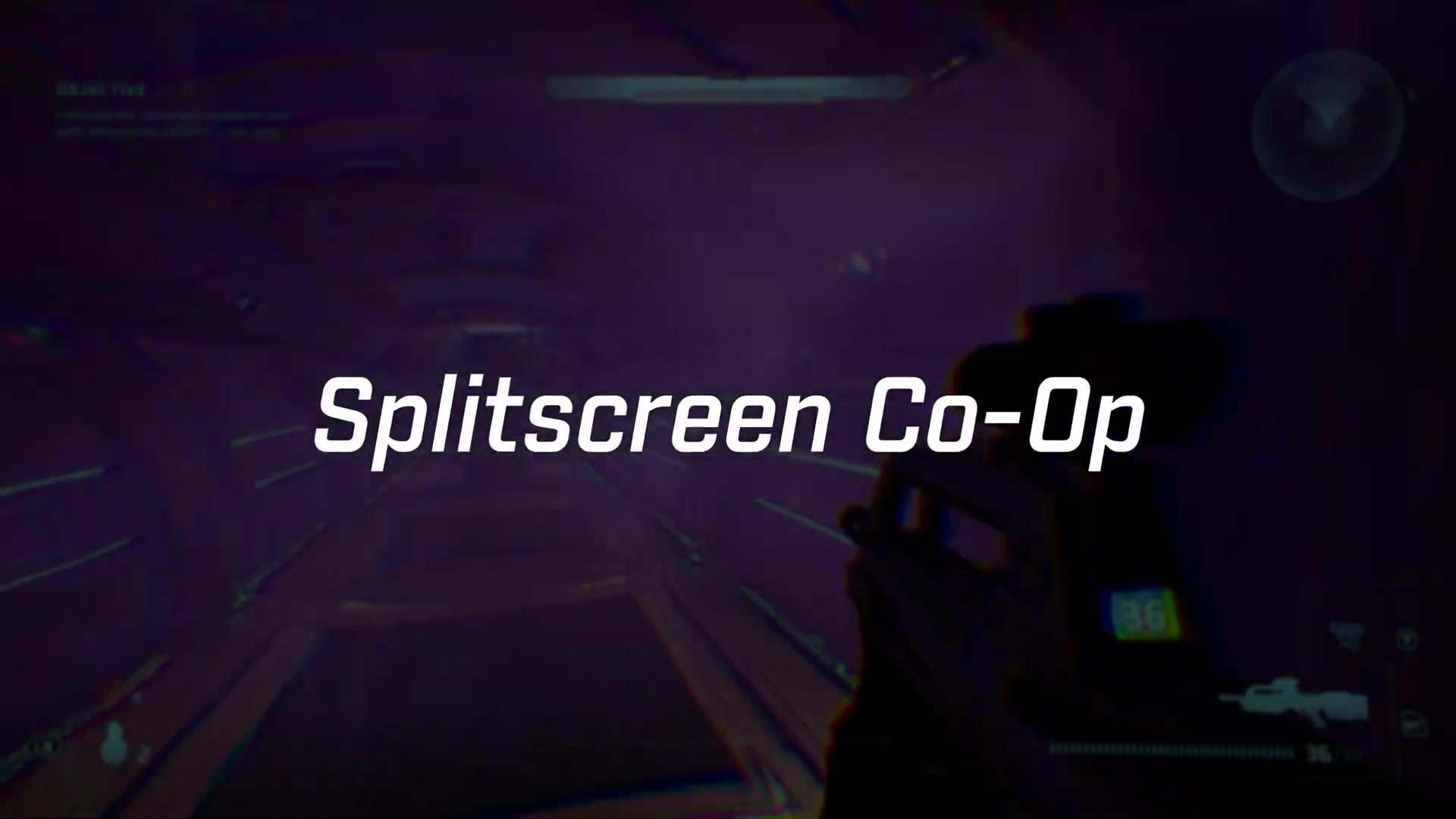
The source presents this mod as exposing local split-screen functionality on PC that is already included in the build but hidden from its menus; the console version already offers the feature.
How it works
- Choose it when two players need to share one PC display rather than join through separate online systems.
- After following the mod's own setup, start a local session and verify that both player views and inputs appear before committing to a full mission.
Source boundary: This source explains what the mod exposes but does not provide a complete controller, save, or troubleshooting procedure.
Mark IV Armor in the Main Campaign
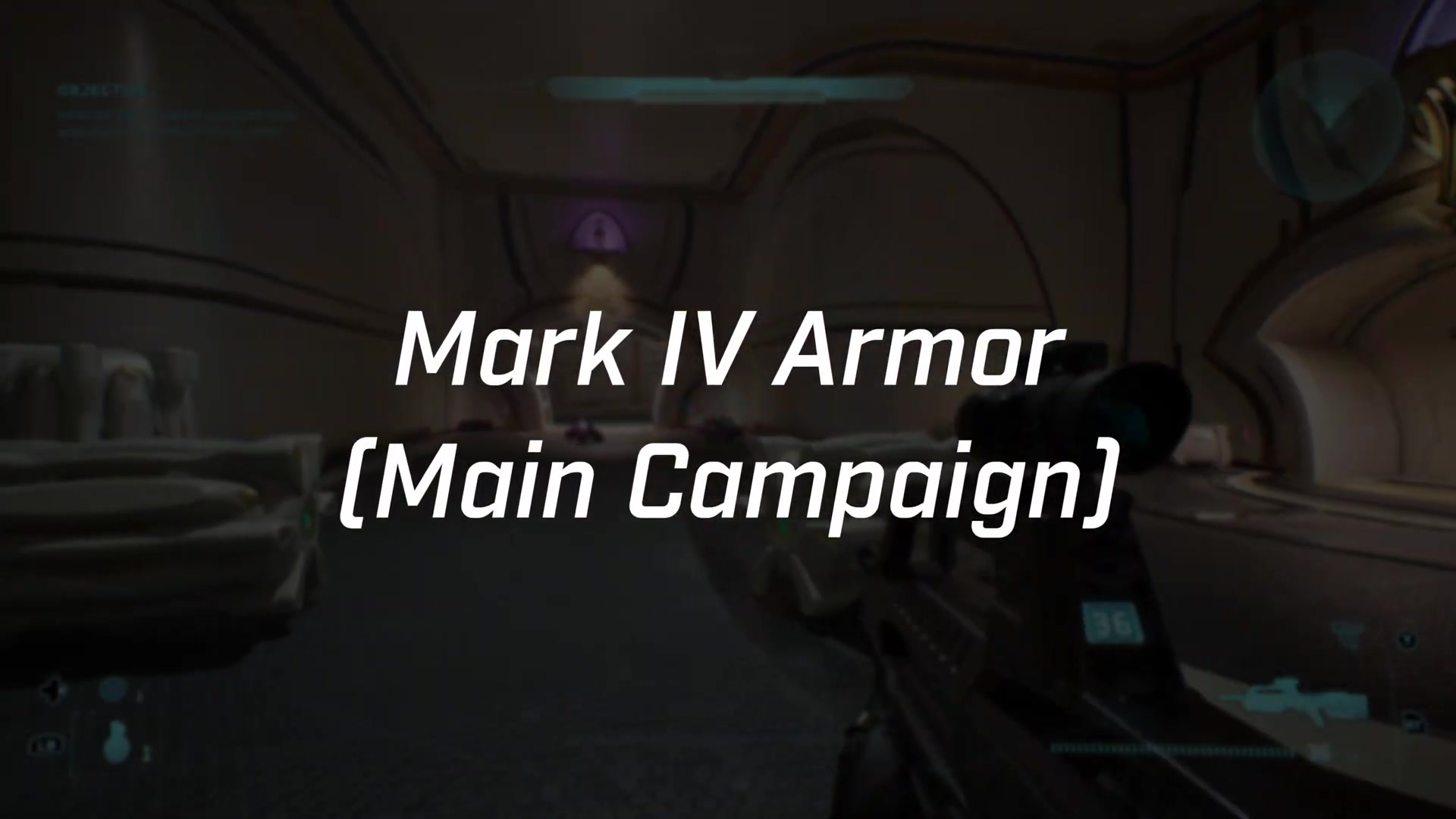
This cosmetic mod carries the Mark IV armor seen in the prequel content into the main campaign, changing the player's appearance without being presented as a combat-system overhaul.
How it works
- Select it when the goal is to use the prequel armor look during the main campaign.
- Load a main-campaign scene where the player model is visible and confirm that the Mark IV model appears consistently.
Source boundary: The source demonstrates an armor-model swap, not new armor abilities, statistics, or mission content.
Johnson's Stanchion as a Usable Weapon
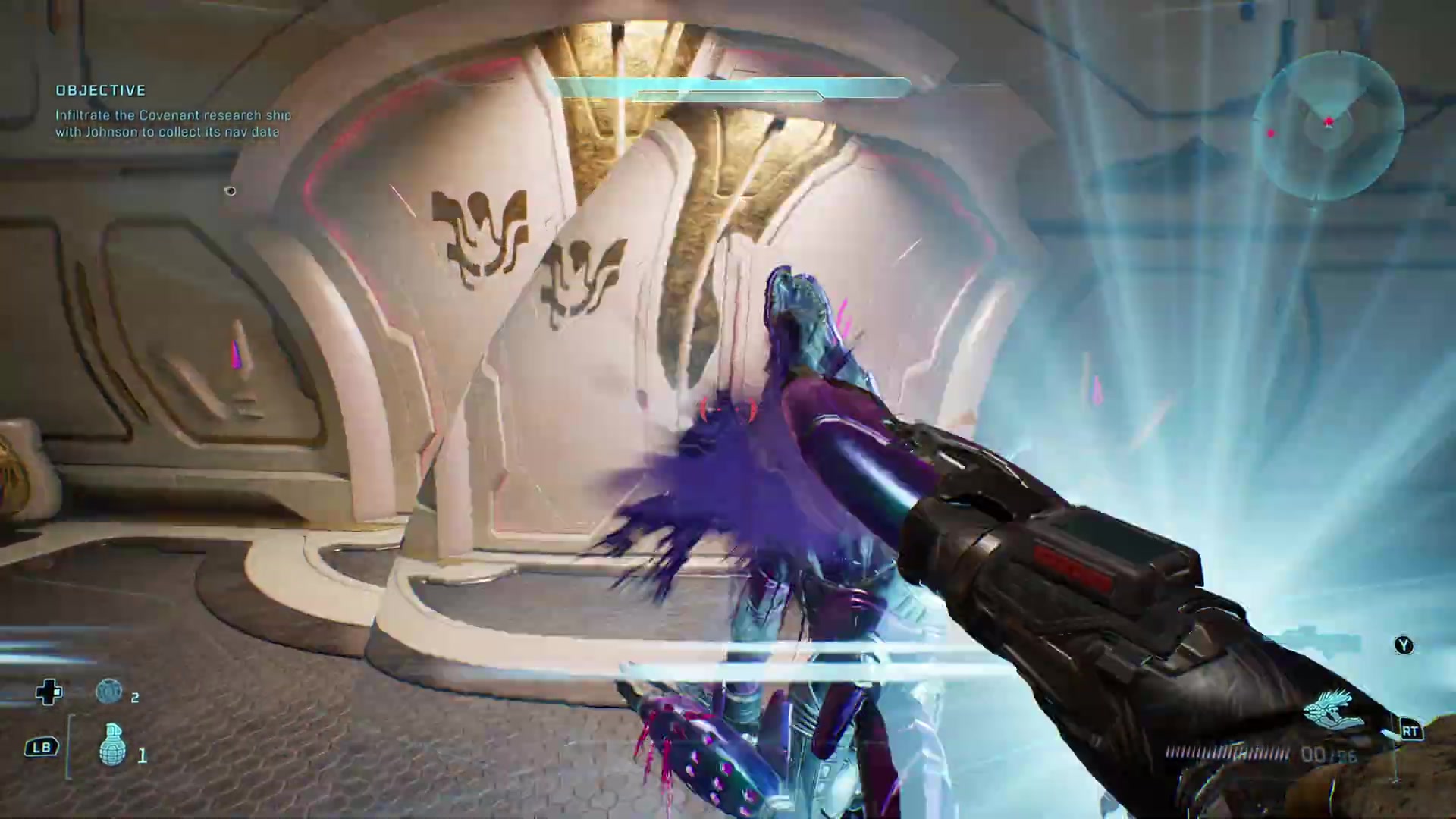
The source demonstrates that Johnson's Stanchion is functional in the game but normally cannot be picked up; this mod makes the weapon available to the player after Johnson drops it.
How it works
- Use it when the specific sandbox goal is to handle Johnson's otherwise inaccessible weapon.
- In the demonstrated situation, obtain the dropped weapon and verify that it can be equipped and fired.
Source boundary: The source frames this as access to one weapon, not a broad weapon pack or balance pass.
CJ Character Mod
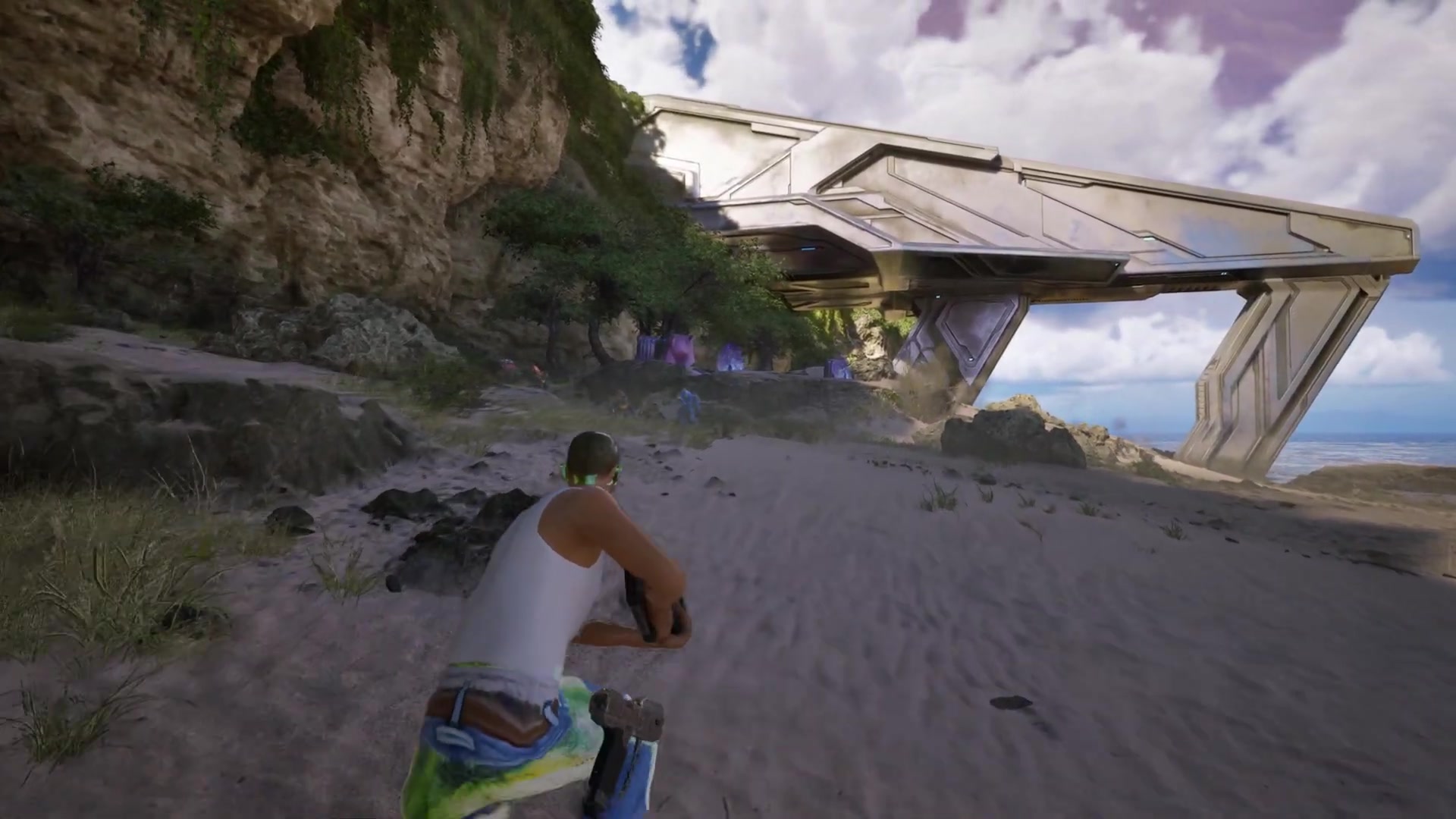
The video's bonus pick replaces the playable character with Carl Johnson from Grand Theft Auto, presented entirely as a familiar PC-modding joke.
How it works
- Choose it only when a humorous character replacement is the intended result.
- Load gameplay where the player model is visible and confirm that CJ appears in place of the normal character.
Source boundary: The source does not claim performance, co-op, progression, or combat benefits.