
Quick answer
Install UE4SS first to enable mod loading, then place mod files in correct folders: 'Content/Packs/mods' for general mods, 'Content/Packs/logic mods' for logic mods, and replace engine.ini for engine tweaks—always launch the game once after UE4SS installation.
Guide briefing
Halo Campaign Evolved Mods Installation Guide
Install UE4SS first to enable mod loading, then place mod files in correct folders: 'Content/Packs/mods' for general mods, 'Content/Packs/logic mods' for logic mods, and replace engine.ini for engine tweaks—always launch the game once after UE4SS installation.
Applies to
- — Steam version of Halo Campaign Evolved
- — Game Pass version of Halo Campaign Evolved
- — Mods requiring UE4SS support
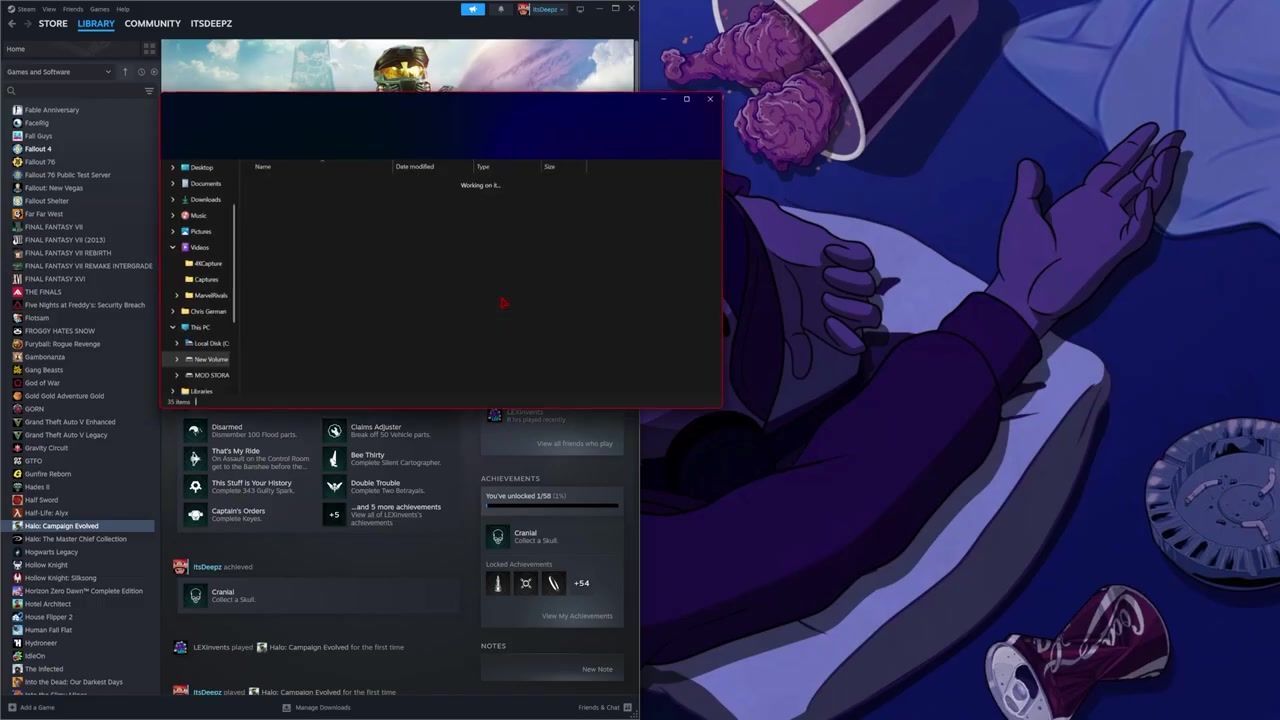
UE4SS mod requirement
UE4SS is a mandatory mod that enables the game engine to load additional mods. Without it, no other mods will function. It works for both Steam and Game Pass versions, though file paths differ for Game Pass users.
How it works
- The UE4SS mod contains two files (UE4SS.dll and UE4SS.ini) that must be placed in the game's root directory.
- Installation requires navigating to the game folder via Steam > Properties > Browse Local Files, then copying the mod files into the root folder.
Source boundary: UE4SS does not work without first launching the game at least once after installation; this step cannot be skipped.
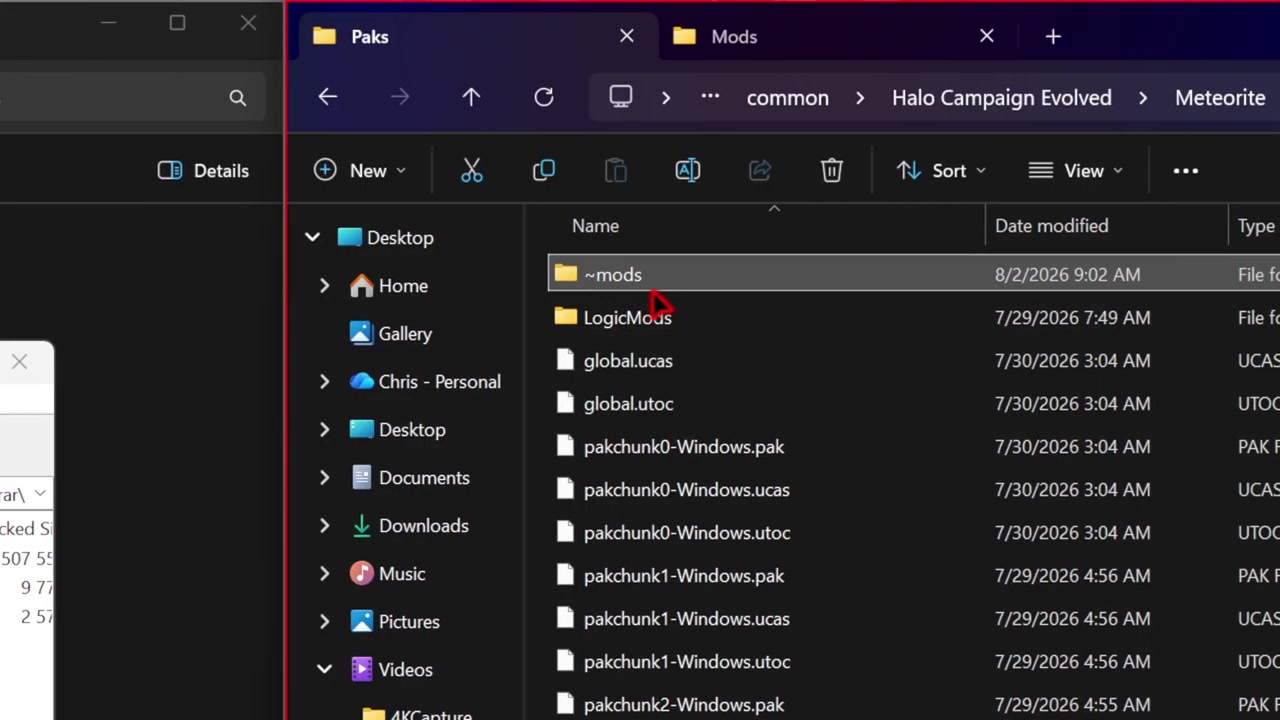
Mod folder organization
Mods require specific folder placement within the game’s Content/Packs directory. The main mod folder (e.g., 'Brutal Blood') goes directly into 'mods', while supporting assets (e.g., 'blood persistent') go into the same 'mods' folder after creating it if missing.
How it works
- Create a new 'mods' folder inside the game’s 'Content/Packs' directory.
- Place the main mod folder (e.g., 'Brutal Blood') directly into the 'mods' folder.
- For asset-only mods like 'blood persistent', extract the three required files and place them into the 'mods' folder.
Source boundary: Mods may fail to load if the 'mods' folder is not created in the correct path ('Content/Packs'), especially for mods relying on logic or audio changes.
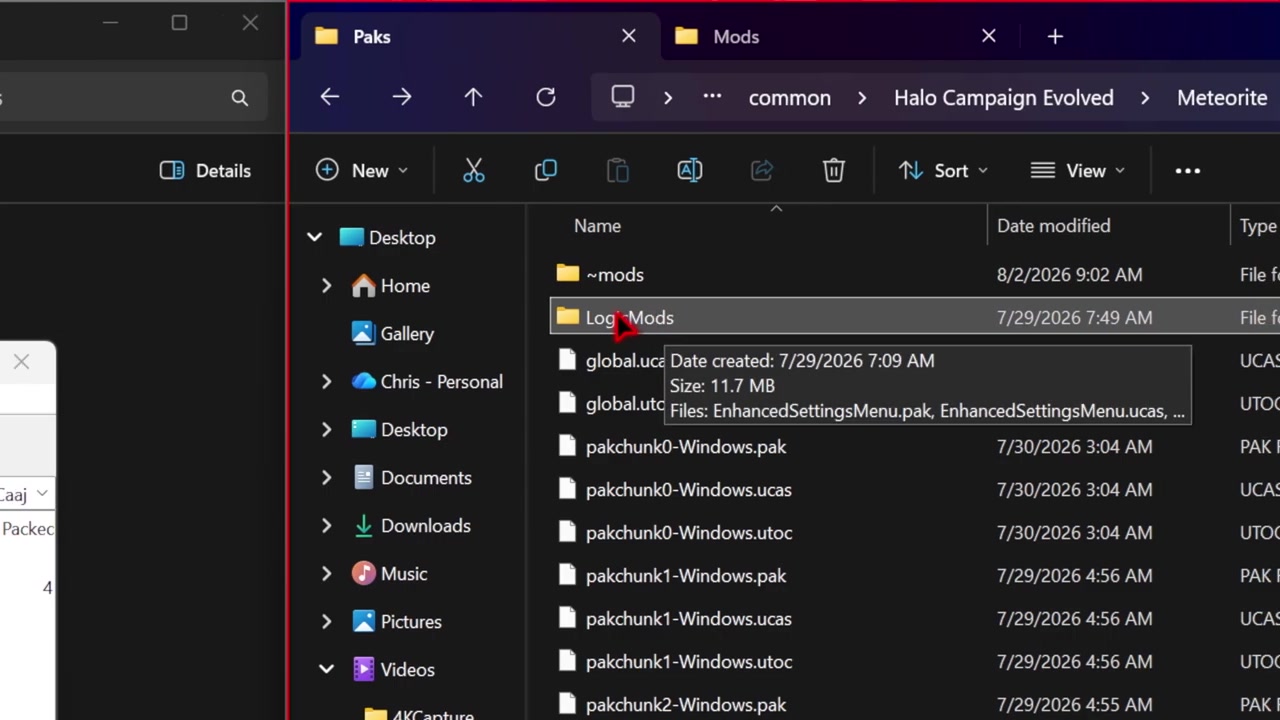
Logic mods and engine tweaks
Logic mods (e.g., Dynamic Time of Day, Enhanced Settings Menu) rely on a dedicated 'logic mods' folder. Engine tweaks (e.g., VRR/no VRR) replace the engine.ini file and require manual file replacement.
How it works
- Create a 'logic mods' folder inside 'Content/Packs' if it doesn’t exist.
- Drag and drop the three logic mod files into this folder.
- For engine tweaks, use the search bar in File Explorer to navigate to the engine.ini location, back up the original, then replace it with the mod’s version.
Source boundary: Engine tweaks overwrite the original engine.ini file—always back it up before replacing to allow easy reverting if issues arise.